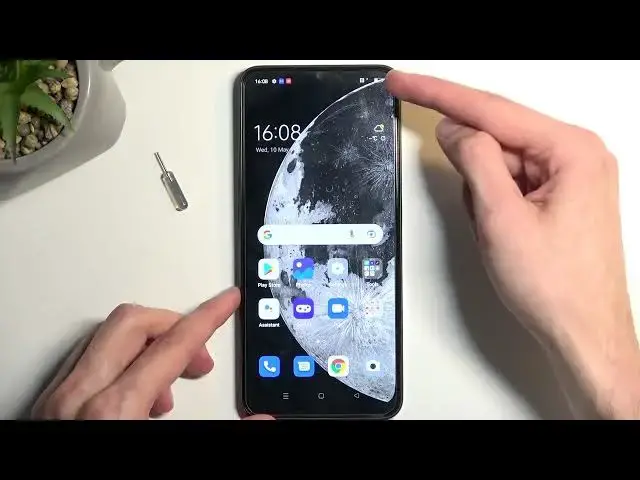

How to Insert a Nano SIM card & Micro SD Card into a OPPO A77
Mar 17, 2024

Learn more about the OPPO A77: https://www.hardreset.info/devices/oppo/oppo-a77/tutorials/
Join us in this informative video as we guide you through the process of inserting SIM and memory cards into your OPPO A77. Discover how to expand your device's connectivity and storage capabilities effortlessly. We'll walk you through each step, from locating the SIM and memory card slots to correctly inserting and configuring them. Whether you want to switch to a new SIM card or increase your device's storage capacity, mastering the art of SIM and memory card setup on your OPPO A77 is essential. Get ready to unlock a world of possibilities with our easy to follow instructions!
How to put a SIM card into an OPPO A77? How to install a memory card on OPPO A77? Where does the OPPO A77 phone have its SIM card tray?
#OPPOA77 #SdCard #OPPOSIM
Follow us on Instagram ► https://www.instagram.com/hardreset.info
Like us on Facebook ►
https://www.facebook.com/hardresetinfo/
Tweet us on Twitter ► https://twitter.com/HardResetI
Support us on TikTok ► https://www.tiktok.com/@hardreset.info
Use Reset Guides for many popular Apps ► https://www.hardreset.info/apps/apps/
Show More Show Less