0:00
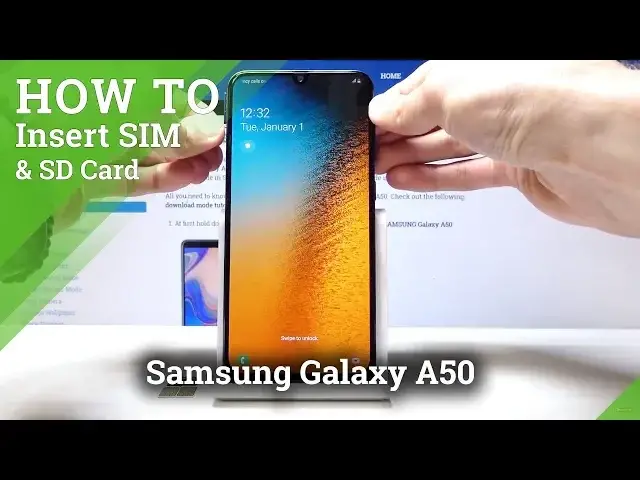
Welcome and for now I'm using a Samsung Galaxy A50 and today I will show you how to insert
0:12
a SIM card and memory card. And for this you will actually need some kind of pin eject tool that usually comes in a
0:18
box with your device like I have right here. Or if you don't have it, you can use some kind of paperclip like this completely bent
0:25
out of shape paperclip. But I'm just going to use this one
0:31
And what you want to do is on the side right here, on the left side, you have this tray
0:37
as you can see, and it has a tiny little hole where you can put the tool in there
0:43
And push it in there till it pops out like so. And then you just want to pull it out all the way
0:53
And from here you have space for two SIM cards, basically the smallest size
1:00
And you can put them like so. Oh, I think we'll be putting it the wrong way
1:13
There we go. So, as you can see, that's how they go with that little cutout right here in the bottom
1:28
right corner. And memory card like so. Make sure they're all the way in
1:39
And once you have it ready, you can just slide it back in like so
1:45
So slide it all the way. And now one of the SIM cards has actual pins, so let me put that in
2:03
Okay, so both of them actually had a pin number. From here, as you can see, it's at the moment not reading them
2:11
Oh, there is one SIM card read, and also SD card is already being read
2:18
And you can also change some settings. Once you put them in, it automatically takes you there
2:24
You can disable or enable, say, a SIM like so. And now one of them is disabled
2:33
You can also choose which one is the default one. So when you go... Actually, let's go back and..
2:39
Not here. Okay, so whenever you have two SIM cards actually working at the same time..
2:49
So let me actually go back and enable them. Okay, so now the two of them are on
3:05
When you go for the dialer, you actually have the option which one you will use to call
3:09
You can select. And messages should have the same thing whenever you actually write a message
3:18
And yeah. So that is basically how you insert it. And if you found this video helpful, don't forget to hit like, subscribe, and thanks for watching