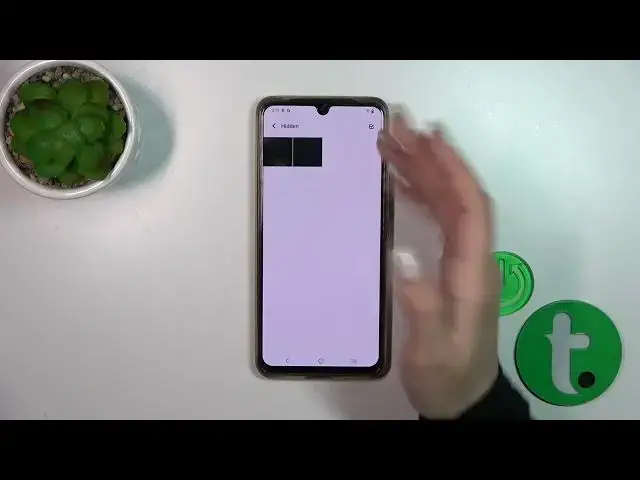

How to Hide Photos in Gallery on VIVO T1 PRO 5G / Manage Privacy Settings
Mar 16, 2024

Check other tutorials for your Vivo T1 Pro Smartphone:
https://www.hardreset.info/devices/vivo/vivo-t1-pro-5g/tutorials/
Safeguard your privacy and secure your personal media files on the VIVO T1 Pro with our comprehensive guide to hiding media files. In this tutorial video, we'll walk you through the step-by-step process of protecting your photos, videos, and other sensitive media files, ensuring they remain confidential and inaccessible to prying eyes. Explore various methods to hide your media files, including leveraging built-in features and utilizing third-party apps, allowing you to choose the approach that suits your preferences. We'll show you how to hide files directly from the gallery app, create hidden folders, and introduce you to file-hiding apps for enhanced security. Visit our YouTube channel for more insightful videos on VIVO T1 Pro and stay informed about the latest privacy features and customization options.
How to hide media files on VIVO T1 PRO 5G?
How to put pictures into the private folder on VIVO T1 PRO 5G?
How to conceal photos on VIVO T1 PRO 5G?
#vivot1pro5g #vivo #hidephoto #hidephotoandvideo
Follow us on Instagram ► https://www.instagram.com/hardreset.info
Like us on Facebook ► https://www.facebook.com/hardresetinfo/
Tweet us on Twitter ► https://twitter.com/HardResetI
Support us on TikTok ► https://www.tiktok.com/@hardreset.info
Use Reset Guides for many popular Apps ► https://www.hardreset.info/apps/apps/
Show More Show Less