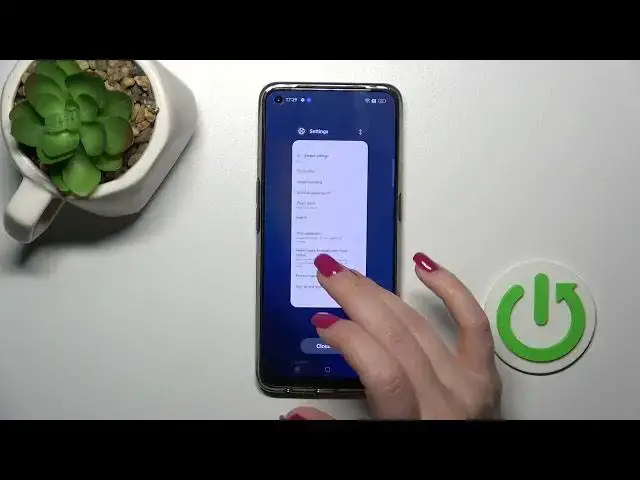

How to Hide Developer Options on REALME 9 Pro+
Jul 28, 2024

Find out more info about REALME 9 PRO+ 5G at: https://www.hardreset.info/devices/realme/realme-9-pro-plus/tutorials/
Hi! Today we are going to show you how to hide developer options on your REALME 9 Pro+. We will show you how to simply turn off the developer mode on your device. By disabling developer mode, you can ensure that your device's settings are safe from unauthorized changes.
How to hide developer options on REALME 9 Pro+? How to turn off developer options on REALME 9 Pro+? How to hide developer menu on REALME 9 Pro+?
#HideDeveloperOptions #HideDeveloperMode #REALME9Pro+
Follow us on Instagram ► https://www.instagram.com/hardreset.info
Like us on Facebook ► https://www.facebook.com/hardresetinfo/
Tweet us on Twitter ► https://twitter.com/HardResetI
Support us on TikTok ► https://www.tiktok.com/@hardreset.info
Use Reset Guides for many popular Apps ► https://www.hardreset.info/apps/apps/
Show More Show Less