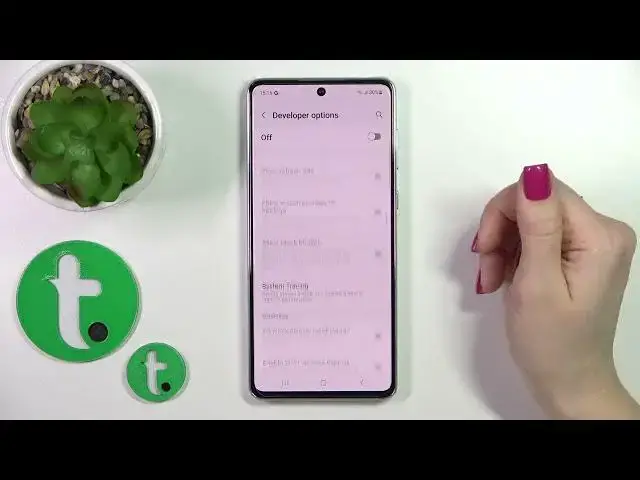

How to Hide Developer Options on a SAMSUNG Galaxy A73 5G
Mar 23, 2024

Learn more about SAMSUNG Galaxy A73 5G: https://www.hardreset.info/devices/samsung/samsung-galaxy-a73-5g/tutorials/
In this simple and straightforward video tutorial, we are going to highlight how you can turn off the developer options on your SAMSUNG Galaxy A73 5G smartphone. Thereby, if you are interested in learning how it is possible to make the developer settings invisible, as they are by default, we kindly encourage you to view this video guide. Thanks for watching and please enjoy!
How to disable developer options on a SAMSUNG Galaxy A73 5G? How to hide developer settings on SAMSUNG Galaxy A73 5G? How to make the developer options invisible on SAMSUNG Galaxy A73 5G? How to turn off developer options on a SAMSUNG Galaxy A73 5G?
#SAMSUNGGalaxyA73 #DeveloperOptions #SAMSUNGSettings
Follow us on Instagram ► https://www.instagram.com/hardreset.info
Like us on Facebook ►
https://www.facebook.com/hardresetinfo/
Tweet us on Twitter ► https://twitter.com/HardResetI
Support us on TikTok ► https://www.tiktok.com/@hardreset.info
Use Reset Guides for many popular Apps ► https://www.hardreset.info/apps/apps/
Show More Show Less