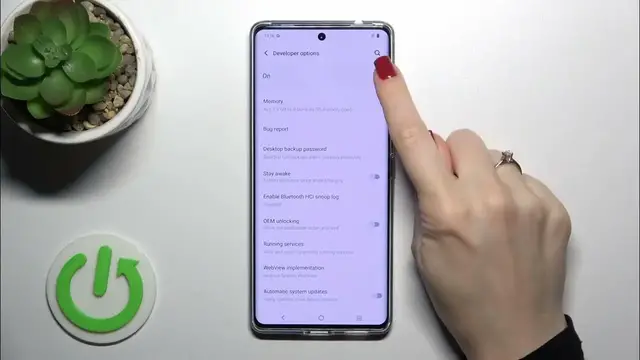

How to Hide Developer Options in VIVO T2 Pro – Disable Advanced Mode
Jan 18, 2024

Find out more about VIVO T2 Pro:
https://www.hardreset.info/devices/vivo/vivo-t2-pro/tutorials/
Keep your VIVO T2 Pro experience sleek and clutter-free by mastering the art of hiding developer options. This tutorial guides you through the steps to conceal these advanced settings, ensuring a clean and user-friendly interface. Streamline your device without compromising functionality with the simple steps outlined in this guide.
How to disable developer options in VIVO T2 Pro? How to deactivate developer options in VIVO T2 Pro? How to hide developer settings in VIVO T2 Pro? How to turn off developer options in VIVO T2 Pro?
#VIVOSystem #DeveloperOptions #VIVOT2Pro
Follow us on Instagram ► https://www.instagram.com/hardreset.info
Like us on Facebook ► https://www.facebook.com/hardresetinfo/
Tweet us on Twitter ► https://twitter.com/HardResetI
Support us on TikTok ► https://www.tiktok.com/@hardreset.info
Use Reset Guides for many popular Apps ► https://www.hardreset.info/apps/apps/
Show More Show Less