0:00
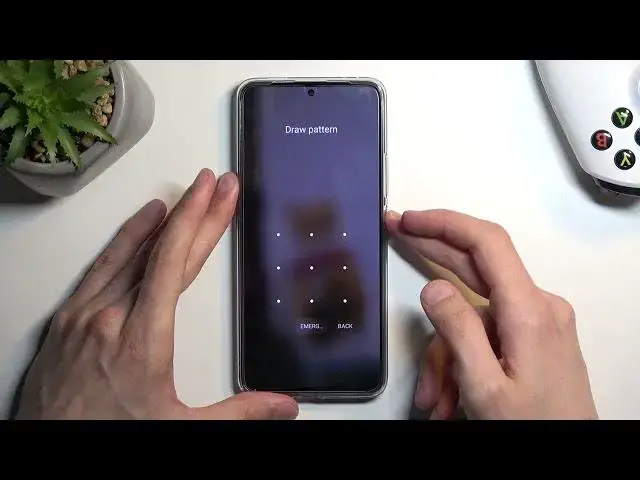
Welcome! In front of me is a Poco F5 Pro and today I'll show you how you can hard
0:05
reset this phone through recovery mode. So resetting it to the recovery mode will also allow you to get rid of a
0:14
screen lock so if you have one set that you just don't know
0:18
this will completely get rid of it. Now downside of this is that if you are also logged into a google account
0:26
just to show you right here then after the process you will need to verify one of the two
0:36
things either the previously used screen lock or the google account that was logged in on this device
0:41
and assuming you don't know either of those typically you would be kind of just left with a brick instead of the phone
0:49
but I'll be making a video in the future basically after this one on how you can bypass this
0:55
verification process and then remove it all together afterwards so if that is something that interests you stay tuned for the next video
1:03
Now sticking back to this one I'm gonna progress with the process
1:07
from the lock screen as though I don't know my pattern. So number one we're
1:10
gonna hold our power button. Select power off and when the device turns off you wanna hold power and
1:23
volume up at the same time. When you see the Poco logo you can let go of the power button
1:38
and when you see the recovery mode you can also let go of the volume up
1:41
From here we will need to use volume buttons to navigate up and down depending on which one you press. I'm gonna press volume down to select
1:48
wipe data then confirm it with power button then select wipe all data same way as we did before. Confirm
2:01
give it a second and there we go it's finished. So I'm gonna press power button again and again
2:08
and this will reboot the device and continue the process in the background
2:12
Now because it's still factory resetting the device it will take it a little bit
2:16
longer to boot back up than you might be used to. Don't worry that's completely normal. Once the process is finished we will
2:22
then be presented with the setup screen for our phone. So I'll be back once that
2:26
is visible for me. And as you can see the process is now finished and you can set up your device
2:36
however you like. So if you found this very helpful don't forget to hit like, subscribe and thanks for watching