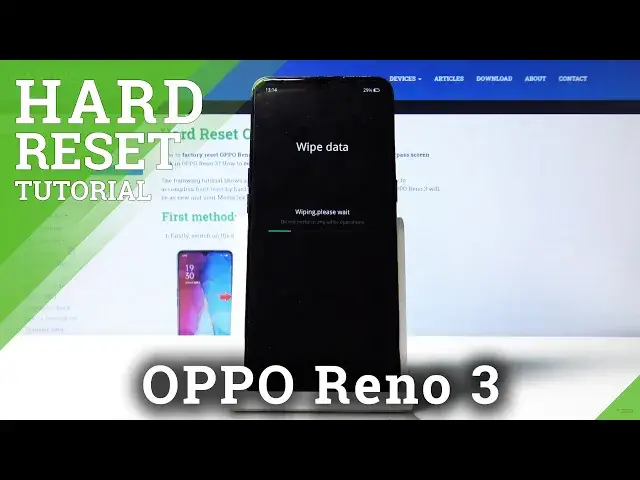

How to Hard Reset OPPO Reno 3 – Perform Hard Reset by Recovery Mode
May 14, 2024

Learn more info about OPPO Reno 3 Pro:
https://www.hardreset.info/devices/oppo/oppo-reno-3-pro/
In this short tutorial we will show you how to remove all information stored on your OPPO Reno 3 internal storage. You will discover how smoothly and easiest remove all the customization, settings, contacts, accounts, data, passwords, screen lock and more to bring back factory configuration. Only what you need to know is how enter to a hidden mode called recovery mode. We will teach you everything in this video. Remember, before you start doing hard reset progress- make sure that you performed back up data before.
How to hard reset OPPO Reno 3 Pro? How to factory reset OPPO Reno 3 Pro? How to restore OPPO Reno 3 Pro? How to wipe data on OPPO Reno 3 Pro? How to delete all data on OPPO Reno 3 Pro? How to master reset OPPO Reno 3 Pro?
Follow us on Instagram ► https://www.instagram.com/hardreset.info
Like us on Facebook ► https://www.facebook.com/hardresetinfo/
Tweet us on Twitter ► https://twitter.com/HardResetI
Show More Show Less