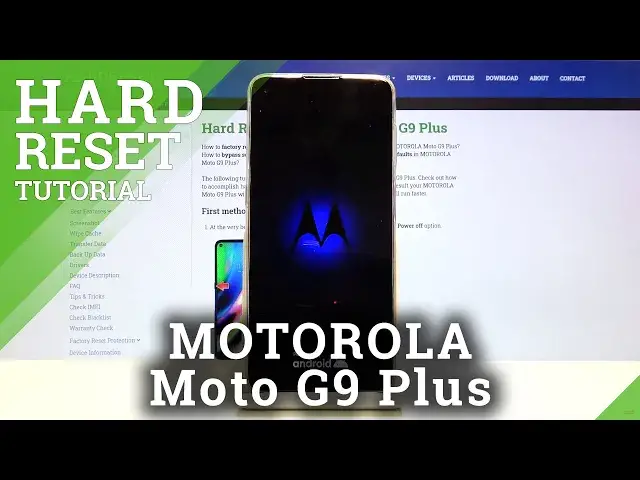

How to Hard Reset MOTOROLA G9 Plus – Wipe Data by Recovery Mode | Screen Lock Removal
Jul 16, 2024

Learn more info about MOTOROLA Moto G9 Plus:
https://www.hardreset.info/devices/motorola/motorola-moto-g9-plus/
Today we want to show you how to hard reset your MOTOROLA Moto G9 Plus phone. Follow our instructions, open the hidden menu and then go to Recovery mode. However, before you proceed with the reset process, you should make a backup of your most important data - it is very important because the reset process is irreversible! Take into account that all data stored on the SIM and SD card will be kept.
How to hard reset MOTOROLA Moto G9 Plus? How to factory reset MOTOROLA Moto G9 Plus? How to restore MOTOROLA Moto G9 Plus? How to delete all data on MOTOROLA Moto G9 Plus? How to Hard Reset MOTOROLA Moto G9 Plus via Recovery Mode? How to Find Recovery Mode on MOTOROLA Moto G9 Plus? How to Open Recovery Mode on MOTOROLA Moto G9 Plus? How to find Hard Reset option in Recovery Mode on MOTOROLA Moto G9 Plus? How to bypass screen lock on MOTOROLA Moto G9 Plus? How to remove screen lock on MOTOROLA Moto G9 Plus? How to skip screen lock on MOTOROLA Moto G9 Plus?
Follow us on Instagram ► https://www.instagram.com/hardreset.info
Like us on Facebook ► https://www.facebook.com/hardresetinfo/
Tweet us on Twitter ► https://twitter.com/HardResetI
Show More Show Less