0:00
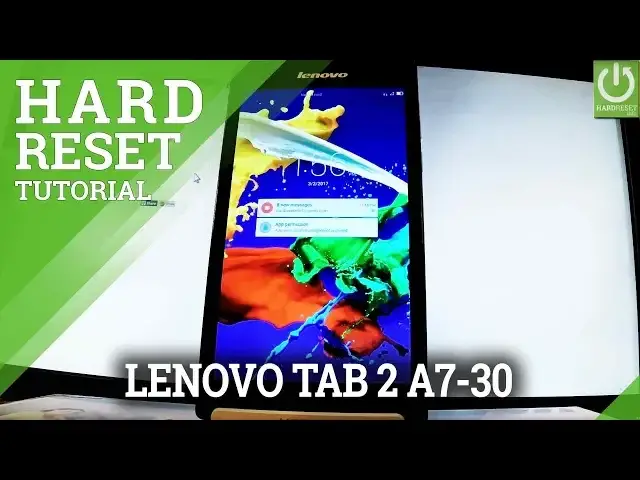
Here I have Lenovo Tab 2 A7 30D and let me show you how to accomplish hardest operation
0:10
in this device and how to bypass and remove pattern or a password protection from this tablet
0:15
At the very beginning let's hold down power key for a few seconds
0:20
When the following menu appears in front of you choose power off and tap ok to confirm it
0:25
Wait until your device will be completely switched off and afterwards you have to use
0:29
the following combination of keys. Power key right here and volume up
0:35
So let's hold down together these two keys for a few seconds. Keep holding both keys
0:48
Release them as soon as device vibrates and now you have to wait a couple of seconds
0:54
As you can see Android system recovery just appears in front of you. You can navigate here by using both volume keys
1:00
So let me scroll down to highlight wipe data factory reset and let's press power key to
1:05
choose it. Press power key one more time and let me scroll down again to wipe data factory reset and
1:13
again press power key. Then scroll down by using volume down to yes delete all user data and press power button
1:21
to choose it. The device is wiping data. The tablet is erasing all personal stuff and customized settings
1:30
And now all you have to do is simply press power key in order to reboot system now
1:36
Now the Lenovo tab is restarting and rebooting. The whole operation should take a while
1:41
So be patient wait until it's finished completely
2:37
Excellent as you can see the welcome panel just pops up so it means that the harvest
2:47
is done. You may also observe that there is no pattern or password protection so you can start easy
2:52
activate your tablet. Thank you for watching. Please subscribe our channel and leave thumbs up under the video