0:01
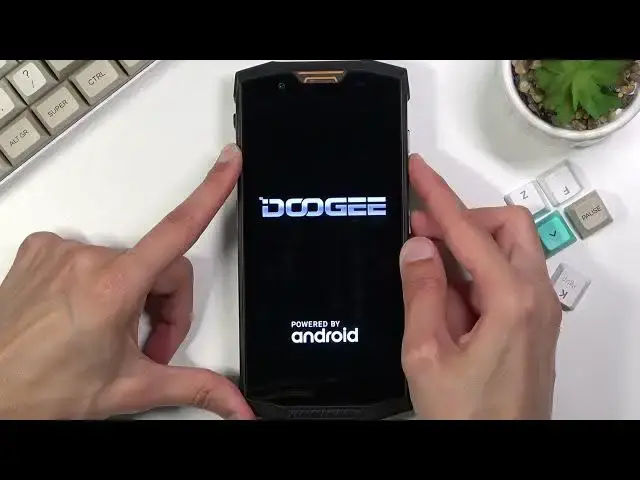
In front of me is a Dodge S80 and today I will show you how to hard reset the device
0:11
through, normally I would say recovery mode, but there is no recovery mode here, so this
0:16
will be through factory reset. Now the purpose of this would be to remove a screen lock
0:21
If you have one that, as an example, you don't actually know
0:25
Now I did set it up, set one screen lock up, so there it is
0:29
Now I'll progress from the lock screen as though I don't actually know my pattern
0:34
So let's get started by holding the power key and selecting power off
0:39
And once the device turns off you want to hold power key and volume up or volume down
0:44
it doesn't really matter which one, and you will hold basically both of the keys till
0:49
you see the Dodge logo and then let go of only the power key but keep holding one of
0:54
the volume keys. So I will be sticking with volume down as an example
0:58
So power key, volume down. There is the Dodge logo, let go of the power key, keep holding volume down
1:10
And it puts us into the factory mode. Now even though it's in a completely different language, not English, we can simply navigate
1:17
through it fairly easy. The option that we need to select has actual English letters, so using the volume down
1:26
key you want to scroll down to the third option from the bottom which has EMMC as you
1:32
can see. So this is the only option with actual English lettering or just an alphabet like that
1:39
So that's what you want to have selected. This is a clear EMMC which is equivalent of a factory reset of the device
1:46
And then you confirm it with power key. So right now it's formatting data and once it's completed it looks like the device automatically
1:55
reboots so all we need to do now is simply wait for the device to reboot
2:00
Now this will take a little bit longer because it is formatting the entire device in the
2:05
background but once it's completed we'll be done and greeted with the Android setup screen
2:10
So I'll be back once that is visible
2:23
And as you can see now the process is finished and you can set up your device however you like and also screen lock has been now completely removed
2:30
So if you found this very helpful don't forget to hit like, subscribe and thanks for watching