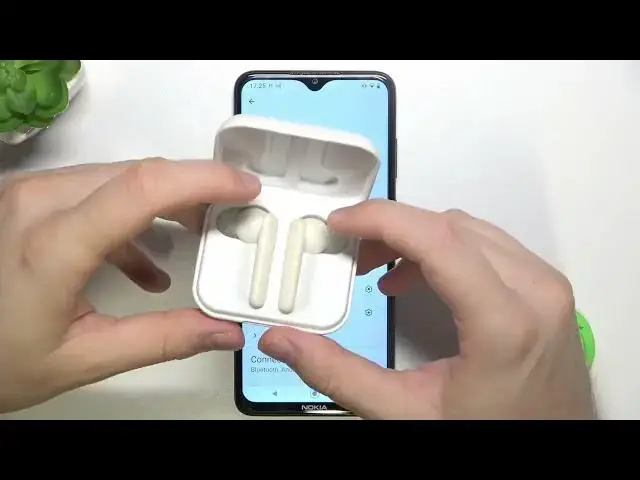

How to Fully Reset Urbanista Paris Headphones - Restore Factory Settings
Aug 5, 2024

Find out more: https://www.hardreset.info/devices/urbanista/urbanista-paris/
In this video, I will show you how to reset your Urbanista Paris headphones. Resetting your headphones can be helpful if you are having problems with them, such as if they are not connecting to your device or if they are not working properly. Once your headphones have been reset, you will need to pair them with your device again. To do this, follow the instructions in your headphones' user manual.
Here are some additional tips for resetting your Urbanista Paris headphones:
Make sure that your headphones are fully charged before you attempt to reset them.
If you are still having problems after resetting your headphones, you may need to contact Urbanista customer support.
How to check if my Urbanista Paris headphones need to be reset?
What happens if I reset my Urbanista Paris headphones?
What should I do if my Urbanista Paris headphones still don't work after resetting them?
How to pair my Urbanista Paris headphones with my device again after resetting them?
Where is the reset button located on my Urbanista Paris headphones?
#urbanista #headphones #factoryreset
Follow us on Instagram ► https://www.instagram.com/hardreset.info
Like us on Facebook ► https://www.facebook.com/hardresetinfo/
Tweet us on Twitter ► https://twitter.com/HardResetI
Show More Show Less