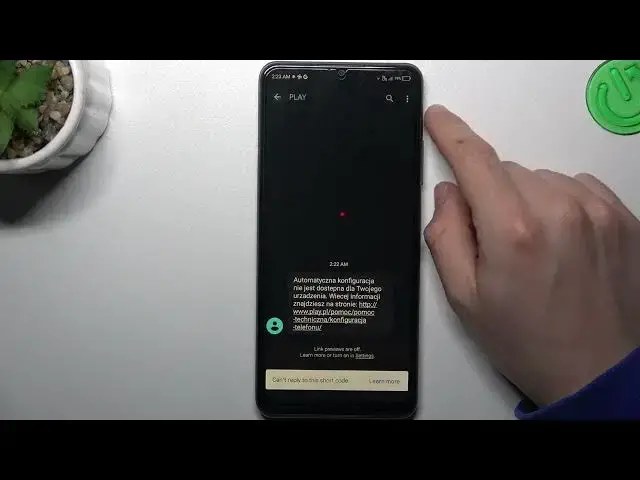

How to Forward SMS on ZTE Blade A72S? - Redirect Text Messages
Aug 2, 2024

Learn more about ZTE Blade A72S
https://www.hardreset.info/devices/zte/zte-blade-a72s/tutorials/
In this tutorial, we will guide you through the process of forwarding SMS (text messages) on your ZTE Blade A72S. Forwarding messages can be useful when you want to share important information or conversations with others. Our step-by-step instructions will show you how to access the SMS forwarding feature on your device and redirect messages to another recipient. Whether it's a memorable conversation or important information, forwarding SMS is easy with the ZTE Blade A72S. Don't forget to subscribe to our YouTube channel for more useful tips and tricks.
How to forward SMS on ZTE Blade A72S?
How to redirect text messages on ZTE Blade A72S?
How to share messages with others on ZTE Blade A72S?
How to forward important information from SMS on ZTE Blade A72S?
#ForwardSMS #RedirectTextMessages #ZTEBladeA72S
Follow us on Instagram ► https://www.instagram.com/hardreset.info
Like us on Facebook ► https://www.facebook.com/hardresetinfo/
Tweet us on Twitter ► https://twitter.com/HardResetI
Support us on TikTok ► https://www.tiktok.com/@hardreset.info
Use Reset Guides for many popular Apps ► https://www.hardreset.info/apps/apps/
Show More Show Less