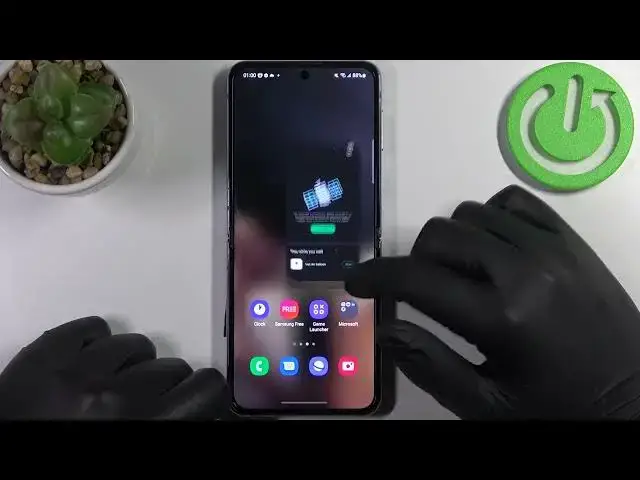

How to Fix Your Clock is Behind Issue on the SAMSUNG Galaxy Z Flip4
Jul 23, 2024

Learn more about the SAMSUNG Galaxy Z Flip4: https://www.hardreset.info/devices/samsung/samsung-galaxy-z-flip4/tutorials/
In this video tutorial, we are going to show how you can fix the You Clock is Behind network issue on your SAMSUNG Galaxy Z Flip4 smartphone by setting a time and date to be network-provided. Thus, we kindly encourage you to watch this video and learn how to set automatic time zone and date on the SAMSUNG Galaxy Z Flip4 mobile device. Please enjoy!
How to set the automatic time zone on the SAMSUNG Galaxy Z Flip4? How to set an automatic time on the SAMSUNG Galaxy Z Flip4? How to set an automatic date on the SAMSUNG Galaxy Z Flip4? How to change the date and time on the SAMSUNG Galaxy Z Flip4? How to fix the network issues on the SAMSUNG Galaxy Z Flip4?
#SAMSUNGGalaxyZFlip4 #DateAndTime #SAMSUNGNetwork
Follow us on Instagram ► https://www.instagram.com/hardreset.info
Like us on Facebook ►
https://www.facebook.com/hardresetinfo/
Tweet us on Twitter ► https://twitter.com/HardResetI
Support us on TikTok ► https://www.tiktok.com/@hardreset.info
Use Reset Guides for many popular Apps ► https://www.hardreset.info/apps/apps/
Show More Show Less #Computer Hardware
#Software