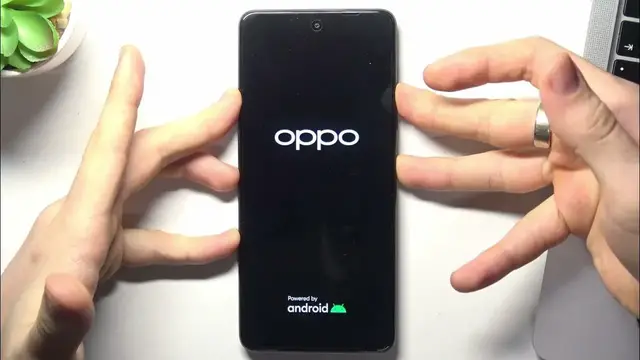

How to Fix Unresponsive Touch Screen on OPPO A79 - Force Restart
Jan 17, 2024

We invite you to visit our website and find out more about OPPO A79(2023): https://www.hardreset.info/devices/oppo/oppo-a79-2023/tutorials/
Troubleshoot touch screen issues on your OPPO A79 with our quick and practical guide! In this video, we demonstrate how to deal with a non-working touch screen by force rebooting your phone using only physical buttons. Follow the step-by-step instructions to resolve unresponsive touch-related problems effectively. Master the essentials of force rebooting with this tutorial, tailored for OPPO A79 users seeking a quick solution to touch screen issues.
How to reboot the OPPO A79 phone without a display? How to force reboot the OPPO A79 device using only physical buttons? How to reload the OPPO A79 phone is the screen is stuck?
#OPPOA79 #TouchScreen #OPPODisplay
Follow us on Instagram ► https://www.instagram.com/hardreset.info
Like us on Facebook ► https://www.facebook.com/hardresetinfo/
Tweet us on Twitter ► https://twitter.com/HardResetI
Support us on TikTok ► https://www.tiktok.com/@hardreset.info
Use Reset Guides for many popular Apps ► https://www.hardreset.info/apps/apps/
Show More Show Less