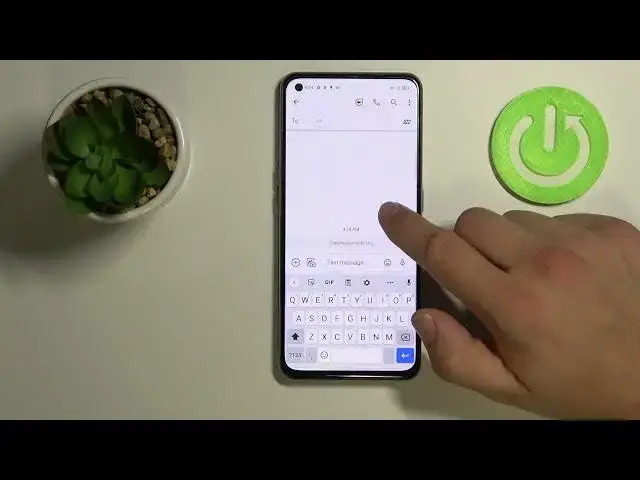

How to Fix Floating Keyboard in Realme X7 Max - Access Keyboard Modes
Jul 4, 2024

Learn more info about Realme X7 Max: https://www.hardreset.info/devices/realme/realme-x7-max-5g/
Today, we would like to show you how to Fix Floating Keyboards in Realme X7 Max! It’s super easy after accessing Keyboard Modes, and our expert will show you exactly how to do that. So if you wish to keep your keyboard static, then stick around and let’s begin!
How to Open Applications in Floating Window on REALME X7 MAX? How Use Pop Up View in REALME X7 MAX? How to Enter Pop Up View in REALME X7 MAX? How to Find Pop Up View in REALME X7 MAX? How to Enable Pop Up View in REALME X7 MAX? How to Open Apps in Floating Window in REALME X7 MAX? How to Activate Windowed Mode in REALME X7 MAX? How to Enable Windowed Mode in REALME X7 MAX? How to Open Many Apps in REALME X7 MAX? How to Use Many Apps in REALME X7 MAX? How to Create Windowed Apps in REALME X7 MAX?
#RealmeX7Max #FixFloatingKeyboard #AccessKeyboardMode
Follow us on Instagram ► https://www.instagram.com/hardreset.info
Like us on Facebook ► https://www.facebook.com/hardresetinfo/
Tweet us on Twitter ► https://twitter.com/HardResetI
Support us on TikTok ►https://tiktok.com/@hardreset.info
Use Reset Guides for many popular Apps ► https://www.hardreset.info/apps/apps/
Show More Show Less