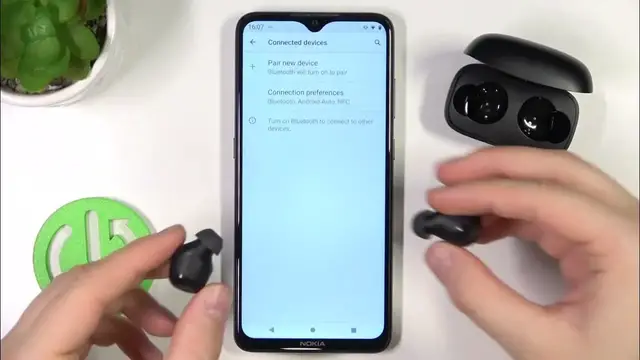

How to Fix Connection Problem on UGreen WS100 (HiTune)?
Mar 2, 2024

In this video guide, we will present you two methods to solve the problem with pairing the UGreen WS100 (HiTune) headphones, one is to disconnect the bluetooth and restart the pairing mode, and the other is to hard reset the headphones that will restore them to factory settings.
Check out our website: https://www.hardreset.info/devices/ugreen/ugreen-ws100/faq/buy/buy/
Why Won't My UGreen WS100 (HiTune) Connect? UGreen WS100 (HiTune) Won't Connect? UGreen WS100 (HiTune) Not Connecting to Your iPhone? UGreen WS100 (HiTune) Not Connecting to Your phone? How to Fix UGreen WS100 (HiTune) Error "Connection Failed"? How do I solve connection issues with my UGreen WS100 (HiTune)? How to fix UGreen WS100 (HiTune) that won't connect? How to Fix Connection Issue on UGreen WS100 (HiTune)?
#ugreen #ugreenhitune #bluetoothheadphones
Follow us on Instagram ► https://www.instagram.com/hardreset.info
Like us on Facebook ► https://www.facebook.com/hardresetinfo/
Tweet us on Twitter ► https://twitter.com/HardResetI
Support us on TikTok ► https://www.tiktok.com/@hardreset.info
Use Reset Guides for many popular Apps ► https://www.hardreset.info/apps/apps
Show More Show Less