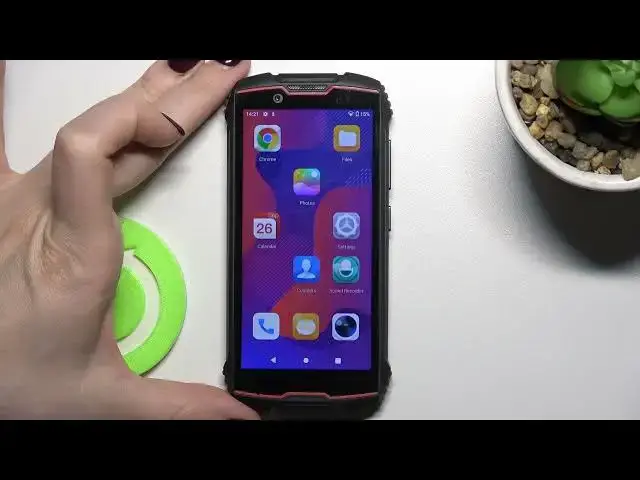

How to Find & Manage Sound Settings in CUBOT King Kong Mini 2 | Changing the Ringtone & Alarm Sound
Apr 9, 2024

Find out more about CUBOT King Kong Mini 2 by following the link: https://www.hardreset.info/devices/cubot/cubot-king-kong-mini-2/
In this video, you will see how to find and manage the sound settings of the CUBOT King Kong Mini 2. The video shows all available sound settings. You will learn how to change media, call, ring, and alarm volumes respectively. You will also be able to find out how to change an alarm sound, notifications sound. The video also shows how to change a phone ringtone. Moreover, you will be able to see how to turn on and turn off vibrations for calls, touches, and charging.
How to change the call volume on CUBOT King Kong Mini 2?
How to change the notifications volume on CUBOT King Kong Mini 2?
How to change the ringtone on CUBOT King Kong Mini 2?
How to change an alarm sound on CUBOT King Kong Mini 2?
How to put your CUBOT King Kong Mini 2 phone in vibration only mode?
#CUBOTKingKongMini2 #VolumeSoundSettings #CUBOTSringtone
Follow us on Instagram ► https://www.instagram.com/hardreset.info
Like us on Facebook ► https://www.facebook.com/hardresetinfo/
Tweet us on Twitter ► https://twitter.com/HardResetI
Support us on TikTok ► https://www.tiktok.com/@hardreset.info
Use Reset Guides for many popular Apps ► https://www.hardreset.info/apps/apps/
Show More Show Less