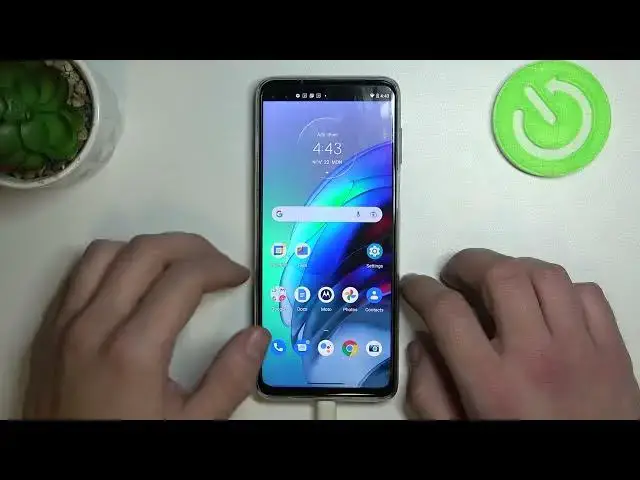

How to Find Haptic Feedback Settings in Motorola Moto G100 - Enable / Disable Touch Vibrations
Jun 28, 2024

Learn more information’s about Motorola Moto G100: https://www.hardreset.info/devices/motorola/motorola-moto-g100/tutorials/
From this video, you’ll find out how to Find Haptic Feedback Settings in Motorola Moto G100 and manage them! Just grab your smartphone and Enable or Disable Touch Vibrations in a matter of minutes, this way you’ll be able to manage this Haptic option. So, don’t wait, repeat all instructions and let’s get started!
How to Find Haptic Feedback Settings in MOTOROLA MOTO G100? How to Enable Touch Vibrations in MOTOROLA MOTO G100? How to Disable Touch Vibrations in MOTOROLA MOTO G100? How to Find Vibration Settings in MOTOROLA MOTO G100?
#MotorolaMotoG100 #EnableTouchVibrations #DisableTouchVibrations
Follow us on Instagram ► https://www.instagram.com/hardreset.info
Like us on Facebook ► https://www.facebook.com/hardresetinfo/
Tweet us on Twitter ► https://twitter.com/HardResetI
Support us on TikTok ►https://tiktok.com/@hardreset.info
Use Reset Guides for many popular Apps ► https://www.hardreset.info/apps/apps/
Show More Show Less