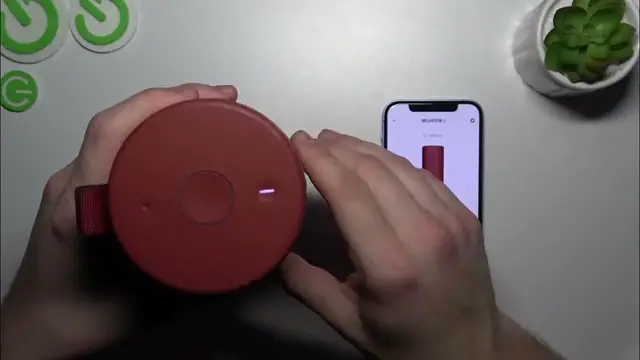

How to Factory Reset Your Ultimate Ears MegaBoom 3
Jan 17, 2024

Find out more: https://www.hardreset.info/devices/
Reset your audio experience with our detailed guide on performing a factory reset on the Ultimate Ears MegaBoom 3. This video is a must-watch for anyone facing technical glitches or preparing to give their speaker a fresh start. We delve into the reasons why a factory reset might be necessary and guide you through the process in a clear, user-friendly manner. Whether you're troubleshooting, selling, or just wanting to revert to default settings, this tutorial covers all you need to know about resetting your MegaBoom 3. Ideal for tech enthusiasts and everyday users alike, this video ensures that you can confidently and safely restore your device to its original state. Discover how to revitalize your MegaBoom 3 and get it back to delivering the exceptional sound quality it's known for. Don't forget to like, subscribe, and activate notifications for more helpful tech content!
#MegaBoom3Reset
#TechTroubleshooting
#UEFactoryReset
Questions for the Video:
How to start the factory reset process on the Ultimate Ears MegaBoom 3?
How to ensure all data is erased during the MegaBoom 3 factory reset?
How to troubleshoot if your MegaBoom 3 doesn't reset properly?
How to verify the factory reset was successful on your MegaBoom 3?
How to set up your MegaBoom 3 after completing a factory reset?
Follow us on Instagram ► https://www.instagram.com/hardreset.info
Like us on Facebook ► https://www.facebook.com/hardresetinfo/
Tweet us on Twitter ► https://twitter.com/HardResetI
Support us on TikTok ► https://www.tiktok.com/@hardreset.info
Use Reset Guides for many popular Apps ► https://www.hardreset.info/apps/apps/
Show More Show Less