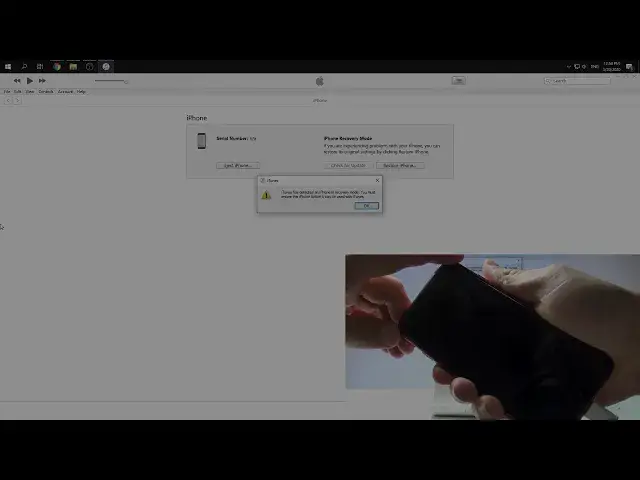

How to Factory Reset iPhone SE 2020 by DFU Mode - Remove Passcode / Bypass Face Lock
May 7, 2024

Read more instructions with iPhone SE 2020:
https://www.hardreset.info/devices/apple/apple-iphone-se-2020/
In this video, you may find out the simple way to hard reset iPhone SE 2020 by using the DFU Mode. Use the secret combination of trick and put iPhone SE 2020 into DFU Mode. Then use the iTunes in order to restore iPhone SE 2020. As a result your iPhone SE 2020 will remove all personal data, customized settings and installed apps. It's also good way to remove the passcode and bypass screen lock in iPhone SE 2020.
How to remove screen lock on iPhone SE 2020? How to bypass the passcode on iPhone SE 2020? How to remove fingerprint lock on iPhone SE 2020? How to hard reset iPhone SE 2020? How to master reset iPhone SE 2020? How to factory reset iPhone SE 2020? How to restore iPhone SE 2020? How to format iPhone SE 2020? How to flash iPhone SE 2020?
Follow us on Instagram ► https://www.instagram.com/hardreset.info/
Like us on Facebook ► https://www.facebook.com/hardresetinfo/
Tweet us on Twitter ► https://twitter.com/HardresetI/
Show More Show Less