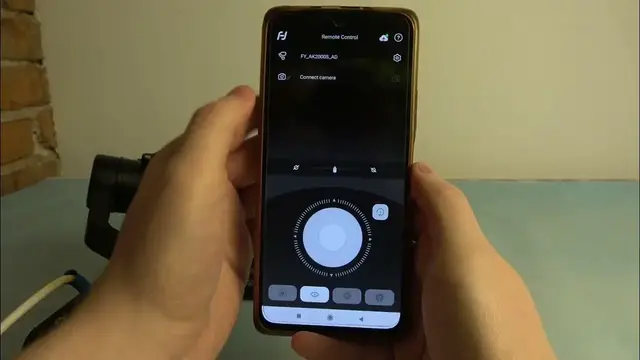

How to Factory Reset FeiyuTech AK2000S?
Dec 4, 2023

Find out more:
https://www.hardreset.info/
Welcome to our comprehensive tutorial aimed at guiding you through the process of performing a factory reset on your FeiyuTech AK2000S gimbal. A factory reset is a valuable troubleshooting step that restores the gimbal to its original settings, resolving persistent issues or configurations that hinder its performance. In this step-by-step guide, we'll demonstrate how to execute a factory reset on the FeiyuTech AK2000S, allowing you to reset the gimbal to its default state.
How do I access and turn on the FeiyuTech AK2000S gimbal to perform a factory reset?
Where can I find the specific Factory Reset option within the gimbal's menu?
What scenarios or issues might prompt the need for a factory reset on the AK2000S gimbal?
Will performing a factory reset delete all settings, configurations, and stored data on the gimbal?
Can I back up settings or configurations before initiating a factory reset on the FeiyuTech AK2000S?
#FactoryReset #Reset #FeiyuTechAK2000S
You can also check our other YouTube channels:
https://www.youtube.com/c/HardresetInfo
Follow us on Instagram ► https://www.instagram.com/hardreset.info
Like us on Facebook ► https://www.facebook.com/hardresetinfo/
Tweet us on Twitter ► https://twitter.com/HardResetI
Support us on TikTok ► https://www.tiktok.com/@hardreset.info
Use Reset Guides for many popular Apps ► https://www.hardreset.info/apps/apps/
Show More Show Less #Science