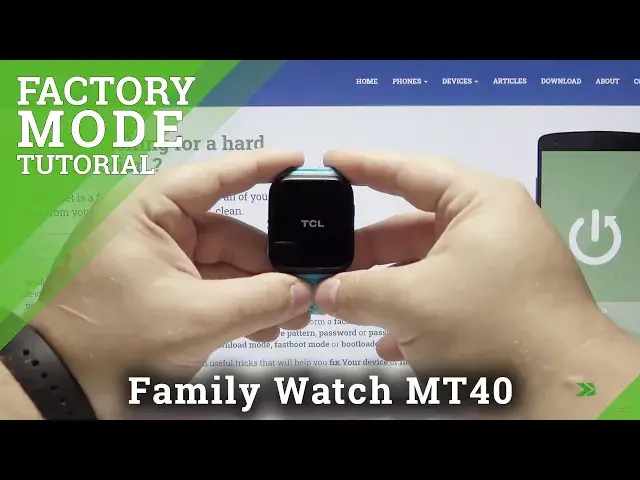

How to Factory Reset ALCATEL TCL Family Watch MT40 – Erase All Content & Customized Settings
Jul 13, 2024

Get access to the useful tutorials for mobile devices:
https://www.hardreset.info/
Are you looking for a solution that brings ALCATEL TCL Family Watch MT40 to the defaults? Do you wonder to find out how to delete all personal data and customized settings in ALCATEL TCL Family Watch MT40? We would like to present the video guide, where we teach you how to smoothly remove the whole storage of the ALCATEL TCL Family Watch MT40. If you want to bring back the original configuration in your Alcatel device, follow the above guide and check out how to wipe data in ALCATEL TCL Family Watch MT40. Let’s use the tutorial and bring back the original configuration in your Alcatel smartwatch. Visit our HardReset.info YT channel and discover many useful tutorials for ALCATEL TCL Family Watch MT40.
How to factory reset ALCATEL TCL Family Watch MT40? How to master reset ALCATEL TCL Family Watch MT40? How to wipe data in ALCATEL TCL Family Watch MT40? How to erase everything from ALCATEL TCL Family Watch MT40? How to unlock ALCATEL TCL Family Watch MT40? How to remove screen lock in ALCATEL TCL Family Watch MT40? How to erase all content and settings in ALCATEL TCL Family Watch MT40?
Follow us on Instagram ► https://www.instagram.com/hardreset.info
Like us on Facebook ► https://www.facebook.com/hardresetinfo/
Tweet us on Twitter ► https://twitter.com/HardResetI
Show More Show Less #Gadgets & Portable Electronics
#Other