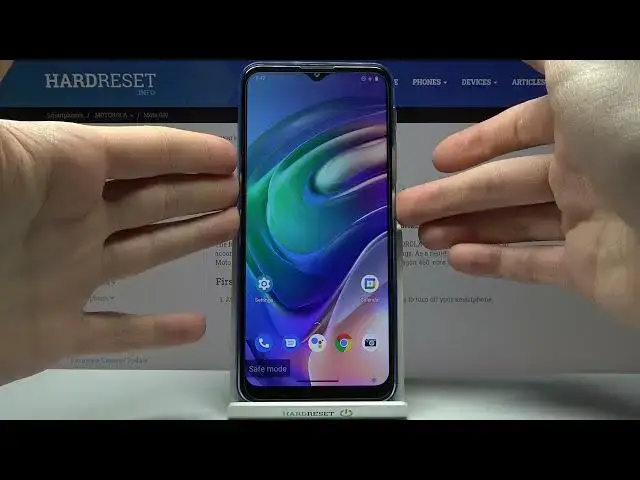

How to Enter the Safe Mode on the MOTOROLA Moto G10 - Disable All Third Party Apps
Mar 30, 2024

Learn more about the MOTOROLA Moto G10: https://www.hardreset.info/devices/motorola/motorola-moto-g10/tutorials/
This video guide has been filmed and uploaded to the channel with the goal of showing how you can boot your MOTOROLA Moto G10 smartphone into Safe Mode, thus turning off all the third party apps installed on the device. Thereby, if you would like to learn how to enable Safe Mode on the MOTOROLA Moto G10 mobile device, we are kindly encouraging you to view this video. Please enjoy and thanks for watching!
How to boot into the safe mode on the MOTOROLA Moto G10? How to activate the safe mode on the MOTOROLA Moto G10? How to turn off the third party apps on the MOTOROLA Moto G10? How to disable the 3rd party apps on the MOTOROLA Moto G10?
#MOTOROLAMotoG10 #SafeMode #MOTOROLASystem
Follow us on Instagram ► https://www.instagram.com/hardreset.info
Like us on Facebook ►
https://www.facebook.com/hardresetinfo/
Tweet us on Twitter ► https://twitter.com/HardResetI
Support us on TikTok ► https://www.tiktok.com/@hardreset.info
Use Reset Guides for many popular Apps ► https://www.hardreset.info/apps/apps/
Show More Show Less