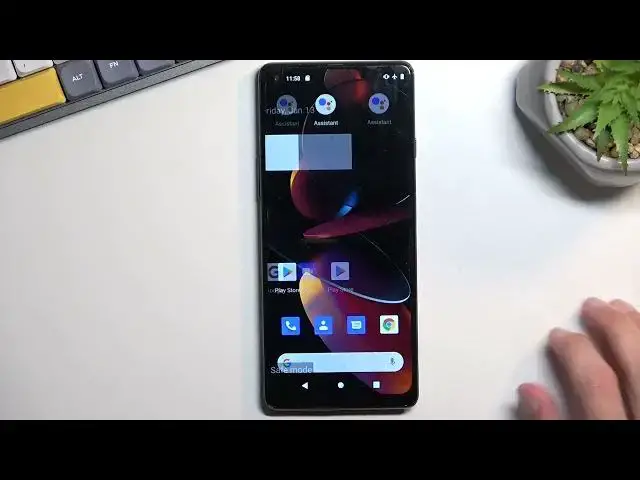

How to Enter the Safe Mode on the CUBOT Max 3 - Enable the Safe Mode - Turn Off All 3rd Party Apps
Mar 30, 2024

Learn more about the CUBOT Max 3: https://www.hardreset.info/devices/cubot/cubot-max-3/tutorials/
This video guide has been filmed and brought to your attention with the purpose of showcasing how you can boot into a safe mode on your CUBOT Max 3 smartphone, thus disabling all third-party apps. Therefore, we are humbly inviting you to view this video and learn how to turn on the safe mode on the CUBOT Max 3 mobile device. Please enjoy and thanks for watching!
How to disable all 3rd party apps on the CUBOT Max 3? How to turn off the third-party apps on the CUBOT Max 3? How to deactivate the third party apps on the CUBOT Max 3? How to boot into a safe mode on the CUBOT Max 3?
#CUBOTMax3 #SafeMode #CUBOTSystem
Follow us on Instagram ► https://www.instagram.com/hardreset.info
Like us on Facebook ►
https://www.facebook.com/hardresetinfo/
Tweet us on Twitter ► https://twitter.com/HardResetI
Support us on TikTok ► https://www.tiktok.com/@hardreset.info
Use Reset Guides for many popular Apps ► https://www.hardreset.info/apps/apps/
Show More Show Less