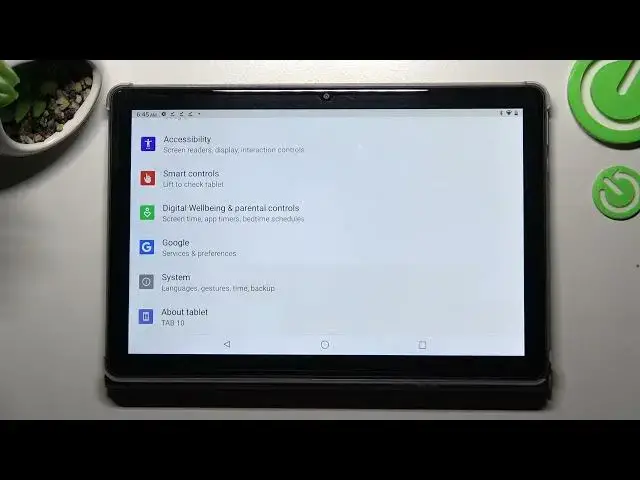

How to Enter Text Correction Options on CUBOT TAB 10 - Text Correction Options
Mar 30, 2024

To learn more tutorials about CUBOT TAB 10:
https://www.hardreset.info/devices/cubot/cubot-tab-10/tutorials/
Hello, everyone! Are you looking for a way how to Enable Spell Check on your CUBOT TAB 10? If you are, then you need to open and watch this short video tutorial to the end. In today's video, our expert will explain to you how to Enter Keyboard Settings on CUBOT TAB 10, and then how to go to the Text Correction Options list. Find out how to Turn On Spell Check on your CUBOT TAB 10 so that all misspells are highlighted. Follow all the instructions step-by-step presented by our specialist and try to perform this operation yourself. If you find this video helpful, leave a thumbs up, leave a comment, and subscribe to our Channel. To learn more video tutorials about your CUBOT TAB 10, visit our YouTube Channel. In case you still have any questions, feel free to ask them in a comment, and we will be happy to answer them. Thank you for watching this video!
How to Turn On Spell Check on CUBOT TAB 10?
How to Activate Spell Check on CUBOT TAB 10?
How to Enter Keyboard Settings on CUBOT TAB 10?
How to Turn On Text Correction on CUBOT TAB 10?
How to Find Text Correction Options on CUBOT TAB 10?
How to Activate Text Corrections on CUBOT TAB 10?
How to Enter Text Correction on CUBOT TAB 10?
How to Enable Word Correction on CUBOT TAB 10?
How to Correct Words on CUBOT TAB 10?
#CUBOTTAB10 #SpellCheck #TextCorrectionOptions
Follow us on Instagram ► https://www.instagram.com/hardreset.info
Like us on Facebook ► https://www.facebook.com/hardresetinfo/
Tweet us on Twitter ► https://twitter.com/HardResetI
Support us on TikTok ► https://www.tiktok.com/@hardreset.info
Show More Show Less