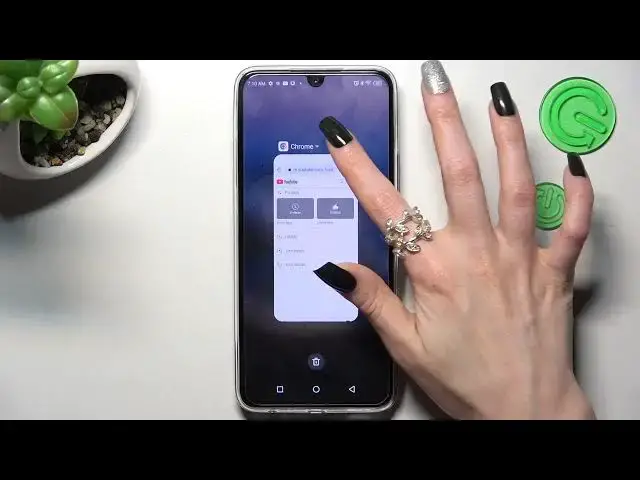

How to Enter Pop Up View in Infinix Note 12 Pro - Floating Windows
Mar 24, 2024

Click on this link to learn more about Infinix Note 12 Pro: https://www.hardreset.info/devices/infinix/infinix-note-12-pro-5g/tutorials/
In this guide, our expert will show you how to Open Apps in Pop-Up View on Infinix Note 12 Pro! All you need to do is follow all steps from above, this way you’ll be able to select one of the supported apps and use it in the tiny accessible window. After that, multitasking will be much easier, especially because your chosen app can overlay the other one, let’s begin!
How to Open Applications in Floating Window on Infinix Note 12 Pro? How Use Pop Up View in Infinix Note 12 Pro? How to Enter Pop-Up View in Infinix Note 12 Pro? How to Find Pop-Up View in Infinix Note 12 Pro? How to Enable Pop-Up View in Infinix Note 12 Pro?
#InfinixNote12Pro #FloatingWindows #PopUpView
Follow us on Instagram ► https://www.instagram.com/hardreset.info
Like us on Facebook ► https://www.facebook.com/hardresetinfo/
Tweet us on Twitter ► https://twitter.com/HardResetI
Support us on TikTok ►https://tiktok.com/@hardreset.info
Use Reset Guides for many popular Apps ► https://www.hardreset.info/apps/apps/
Show More Show Less