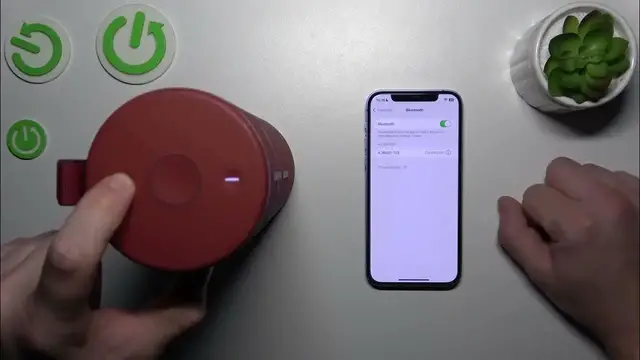

How to Enter Pairing Mode on Your Ultimate Ears MegaBoom 3
Jan 17, 2024

Find out more: https://www.hardreset.info/devices/
Step into the world of effortless connectivity with our comprehensive guide on entering pairing mode with the Ultimate Ears MegaBoom 3. This video is your go-to resource for understanding the ins and outs of syncing your device with various gadgets. Whether you're a first-time user or a seasoned tech enthusiast, our detailed walkthrough ensures a hassle-free setup, so you can enjoy your favorite tunes in no time. Discover the tips and tricks to quickly connect your MegaBoom 3 to smartphones, tablets, or other Bluetooth-enabled devices, bringing high-quality sound to any setting. We delve into common troubleshooting techniques, ensuring your pairing process is smooth and straightforward. Get ready to unlock the full potential of your Ultimate Ears MegaBoom 3 and elevate your audio experience. Remember to like, subscribe, and activate notifications for more tech insights!
#MegaBoom3Pairing
#BluetoothConnectivity
#UltimateEarsGuide
Questions for the Video:
How to initiate pairing mode on the Ultimate Ears MegaBoom 3?
How to connect the MegaBoom 3 to your smartphone or tablet?
How to troubleshoot pairing issues with the MegaBoom 3?
How to recognize when your MegaBoom 3 is successfully paired?
How to reconnect your MegaBoom 3 to previously paired devices?
Follow us on Instagram ► https://www.instagram.com/hardreset.info
Like us on Facebook ► https://www.facebook.com/hardresetinfo/
Tweet us on Twitter ► https://twitter.com/HardResetI
Support us on TikTok ► https://www.tiktok.com/@hardreset.info
Use Reset Guides for many popular Apps ► https://www.hardreset.info/apps/apps/
Show More Show Less