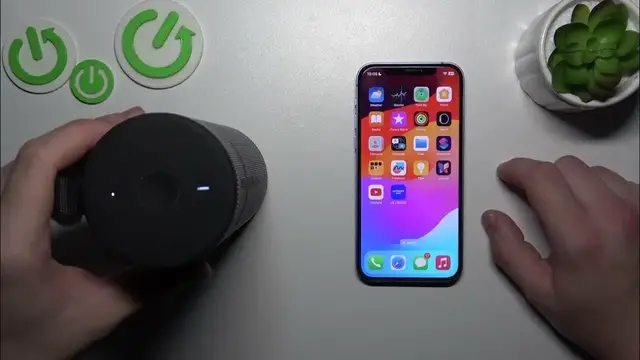

How to Enter Pairing Mode on Your Ultimate Ears Boom 3
Jan 17, 2024

Find out more: https://www.hardreset.info/devices/
Dive into the world of wireless connectivity with our latest video on entering pairing mode with your Ultimate Ears Boom 3. This guide is an essential watch for anyone looking to seamlessly connect their UE Boom 3 to various devices via Bluetooth. Whether you're a first-time user or need a quick refresher, we make the process of entering pairing mode straightforward and hassle-free. Ideal for tech enthusiasts and everyday users, this video demonstrates how to prepare your UE Boom 3 for connection to smartphones, tablets, or other Bluetooth-enabled devices. Learn the tips and tricks to ensure a successful pairing and enhance your audio experience, whether for parties, personal enjoyment, or on-the-go tunes. Join us in unlocking the full potential of your UE Boom 3 and don't forget to like, subscribe, and turn on notifications for more tech how-tos!
#UEBoom3Pairing
#BluetoothConnectivity
#TechTutorial
Questions for the Video:
How to activate pairing mode on the Ultimate Ears Boom 3?
How to ensure your UE Boom 3 is discoverable by other devices?
How to troubleshoot common pairing issues with the UE Boom 3?
How to confirm the successful pairing between your UE Boom 3 and device?
How to reconnect your UE Boom 3 to a previously paired device?
Follow us on Instagram ► https://www.instagram.com/hardreset.info
Like us on Facebook ► https://www.facebook.com/hardresetinfo/
Tweet us on Twitter ► https://twitter.com/HardResetI
Support us on TikTok ► https://www.tiktok.com/@hardreset.info
Use Reset Guides for many popular Apps ► https://www.hardreset.info/apps/apps/
Show More Show Less