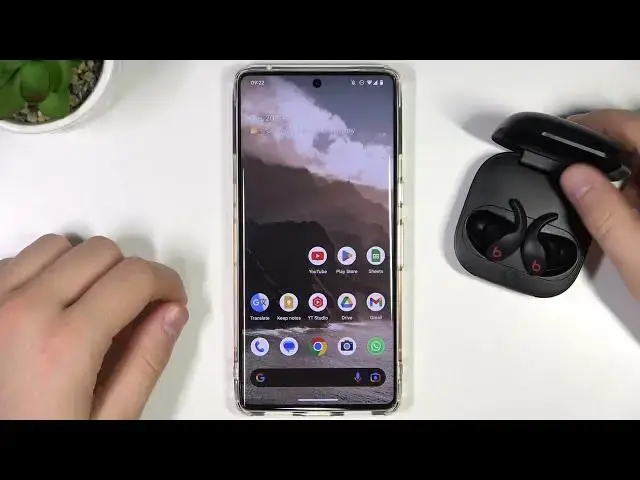

How to Enter Pairing Mode on Beats Fit Pro?
Jul 25, 2024

If you are looking for more info check our website: https://www.hardreset.info/devices/beats/beats-fit-pro/faq/buy/buy/
With the Beats fit Pro turned off, press and hold the power button on charging case for 5 seconds. The earphones will enter pairing mode and the LED light on the case will flash white. On your device, go to the Bluetooth settings and look for the earphones in the list of available devices.
Select the earphones to connect them to your device.
How to Enter Pair Mode on Beats Fit Pro? How to Activate Pairing Mode on Beats Fit Pro? How to Turn On Pairing Mode on Beats Fit Pro?
#beatsfitpro #fitpro #beats
Follow us on Instagram ► https://www.instagram.com/hardreset.info
Like us on Facebook ► https://www.facebook.com/hardresetinfo/
Tweet us on Twitter ► https://twitter.com/HardResetI
Support us on TikTok ► https://www.tiktok.com/@hardreset.info
Use Reset Guides for many popular Apps ► https://www.hardreset.info/apps/apps/
Show More Show Less