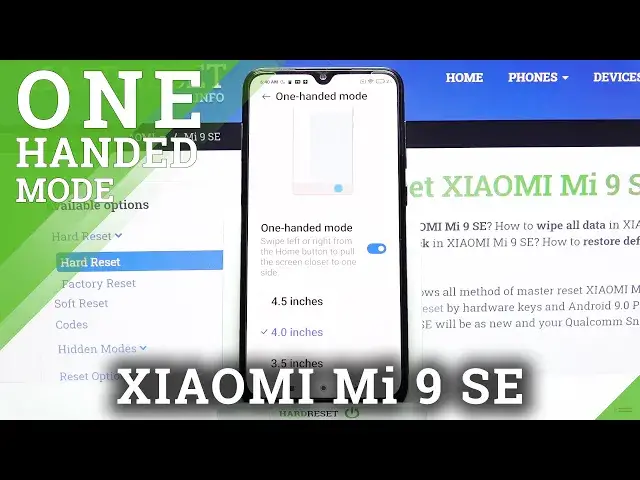

How to Enter One Handed Mode on XIAOMI Mi 9 SE – Use One Handed Mode
Jul 11, 2024

Learn more info about XIAOMI Mi 9 SE:
https://www.hardreset.info/devices/xiaomi/xiaomi-mi-9-se/
If can't using your XIAOMI Mi 9 SE with one hand the screen of this smartphone is too big for your hand, then we have a solution. Open the attached tutorial and learn how to enable One-Handed Mode. Immediately after starting this mode, the area of the screen on which are displayed content and applications are running will be rescaled and by this, you will be able to easily operate the phone using just one hand. Also, learn how to close One-Handed Mode on XIAOMI Mi 9 SE.
How to use one handed mode in XIAOMI Mi 9 SE? How to set up one handed mode in XIAOMI Mi 9 SE? How to activate one handed mode in XIAOMI Mi 9 SE? How to turn on one handed mode in XIAOMI Mi 9 SE? How to use XIAOMI Mi 9 SE with one hand? How to make screen smaller in XIAOMI Mi 9 SE?
#OneHandedMode #ActivateOneHandedMode #XIAOMIMi9SE
Follow us on Instagram ► https://www.instagram.com/hardreset.info
Like us on Facebook ► https://www.facebook.com/hardresetinfo/
Tweet us on Twitter ► https://twitter.com/HardResetI
Support us on TikTok ► https://www.tiktok.com/@hardreset.info
Use Reset Guides for many popular Apps ► https://www.hardreset.info/apps/apps/
Show More Show Less