0:00
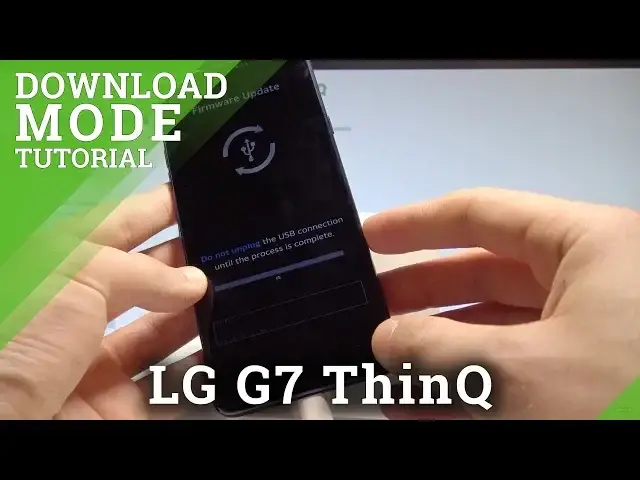
Here I have LG G7 and let me show you how to enter the download mode on the following device
0:11
So at the very beginning let's start by pressing the power key, choose power off and touch
0:16
power off again just to confirm the whole operation. Afterwards let's prepare the USB C cable connected to your PC
0:25
Then you need to start holding the volume up on your device
0:29
Keep holding volume up and connect your device with the USB C cable
0:35
So let me connect my device while holding the volume up and that's it
0:38
Now you can release volume up. As you can see the device is in a download mode and the phone is trying to update the firmware
0:47
If you are really updating the firmware let's wait until the process will be completed
0:51
If you would like to just quit this mode let's press together power key and volume down
0:56
So let's keep holding both keys, power key and volume down. Release both keys as soon as phone goes black
1:07
Now you can disconnect your device from your USB C cable and let's wait until your device
1:13
will be ready to use. Alright the home screen pops up so everything went well
1:20
Thank you for watching, please subscribe our channel and leave thumbs up under the video