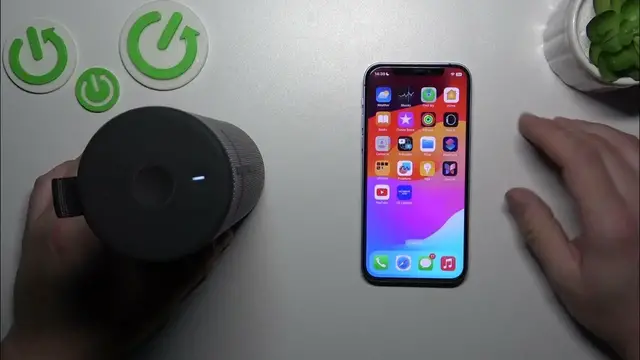

How to Ensure Your UE Boom 3 is Always Charged and Ready
Jan 17, 2024

Find out more: https://www.hardreset.info/devices/
Dive into our latest video to master checking the battery level of your Ultimate Ears Boom 3, a crucial skill for uninterrupted audio enjoyment. This guide is tailored for music enthusiasts, party planners, and anyone who relies on their UE Boom 3 for top-notch sound without the hassle of unexpected power offs. We explore the various ways you can effortlessly monitor the battery life of your speaker, ensuring it's always ready for your next adventure or gathering. Whether you're using the UE Boom 3 at home, outdoors, or on the go, understanding how to check and manage its battery life is key to a seamless audio experience. This video simplifies the process, making it easy for anyone to keep their tunes playing as long as needed. Stay tuned for more insightful tips and tricks by hitting like, subscribing, and activating notifications!
#UEBoom3Battery
#MusicOnTheGo
#TechTips
Questions for the Video:
How to visually identify the battery level on your Ultimate Ears Boom 3?
How to use the UE Boom 3 app to monitor battery life?
How to interpret the battery indicators on the UE Boom 3?
How to estimate remaining playtime based on the battery level of your UE Boom 3?
How to extend the battery life of your UE Boom 3 during use?
Follow us on Instagram ► https://www.instagram.com/hardreset.info
Like us on Facebook ► https://www.facebook.com/hardresetinfo/
Tweet us on Twitter ► https://twitter.com/HardResetI
Support us on TikTok ► https://www.tiktok.com/@hardreset.info
Use Reset Guides for many popular Apps ► https://www.hardreset.info/apps/apps/
Show More Show Less