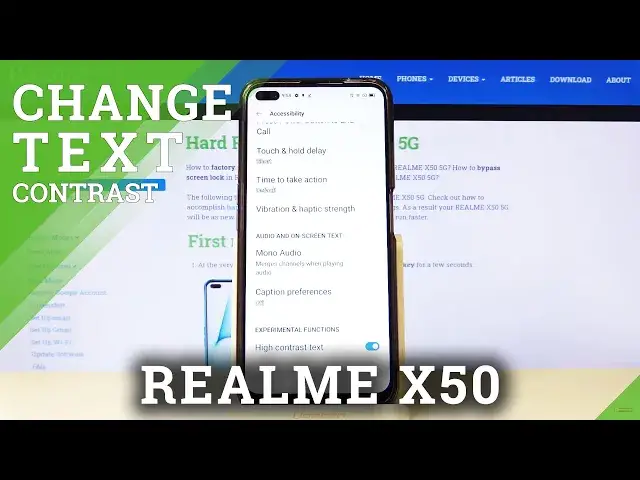

How to Enable/Disable High Contrast Text in Realme X50 5G – High Contrast Fonts
Apr 30, 2024

Learn more info about REALME X50 5G: https://www.hardreset.info/devices/realme/realme-x50-5g/
Your Realme X50 5G has many helpful features, that should improve the usage of it, as much as possible. One of them is high-contrast text, and in this guide, our expert will show you how to easily get into Visibility Enhancements Options, and enable this feature. After that text on your device will be more visible, so if you have eyesight problems, this option may help you! So, stay with us, and follow all steps to try this enhancement. Let's begin!
How to Set Up High Contrast Text in REALME X50 5G? How to Change Contrast in REALME X50 5G? How to Adjust Fonts Outline in REALME X50 5G? How to Adjust Contrast in REALME X50 5G? How to Turn On High Contrast Text in REALME X50 5G?
Follow us on Instagram ► https://www.instagram.com/hardreset.info
Like us on Facebook ► https://www.facebook.com/hardresetinfo/
Tweet us on Twitter ► https://twitter.com/HardResetI
Show More Show Less