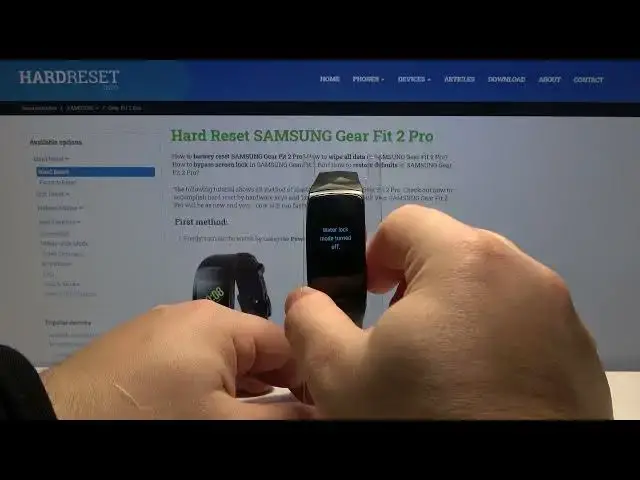

How to Enable Water Lock Mode in SAMSUNG Gear Fit 2 Pro - Deactivate Touchscreen
Apr 22, 2024

Read more info about SAMSUNG Gear Fit 2 Pro:
https://www.hardreset.info/devices/samsung/samsung-gear-fit-2-pro/
Do you wonder how to enable waterlock mode in SAMSUNG Gear Fit 2 Pro? Interested in how to deactivate touchscreen in SAMSUNG Gear Fit 2 Pro? We would like to present the video guide, where we show you how to activate water lock mode in SAMSUNG Gear Fit 2 Pro. If you are planning to swim with your Samsung watch, necessary is to turn on the water lock mode. Let’s find out the above instruction and learn how to boot water lock mode in SAMSUNG Gear Fit 2 Pro successfully. Visit our HardReset.info YT channel and get many useful tutorials for SAMSUNG Gear Fit 2 Pro.
How to activate water lock mode in SAMSUNG Gear Fit 2 Pro? How to deactivate touchscreen in SAMSUNG Gear Fit 2 Pro? How to turn on water lock mode in SAMSUNG Gear Fit 2 Pro? How to enable water lock mode in SAMSUNG Gear Fit 2 Pro? How to use SAMSUNG Gear Fit 2 Pro while swimming?
#WaterLockMode #TouchscreenDeactivation #SAMSUNGGearFit2Pro
Follow us on Instagram ► https://www.instagram.com/hardreset.info
Like us on Facebook ► https://www.facebook.com/hardresetinfo/
Tweet us on Twitter ► https://twitter.com/HardResetI
Support us on TikTok ► https://www.tiktok.com/@hardreset.info
Use Reset Guides for many popular Apps ► https://www.hardreset.info/apps/apps/
Show More Show Less #Water Sports Equipment