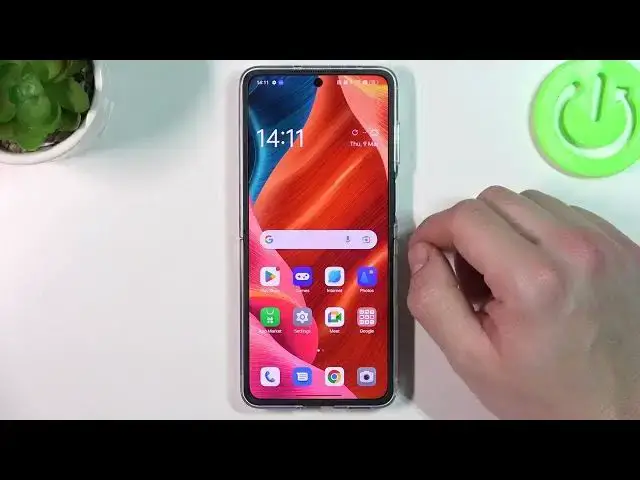

How to Enable Vibrations for Calls on Oppo Find N2 Flip – Disable Calls Vibration Option
Mar 22, 2024

Check more info about Oppo Find N2 Flip:
https://www.hardreset.info/devices/oppo/oppo-find-n2-flip/tutorials/
Hey Everyone! Enabling or disabling vibrations for calls on Oppo Find N2 Flip is a simple process that can be done in just a few steps. If you want to turn on vibrations for incoming calls, you can easily do so through the device settings. On the other hand, if you prefer to disable call vibrations, you can also do that with just a few taps. In summary, enabling or disabling vibrations for calls on Oppo Find N2 Flip involves navigating to the sound settings, selecting the appropriate option, and toggling it on or off according to your preference. For more useful tutorials on how to get the most out of your Oppo Find N2 Flip, check out our HardReset.info YT channel.
How to Activate Vibration for Calls Option on Oppo Find N2 Flip?
How to Turn Off Vibration for Calls on Oppo Find N2 Flip?
How to Turn On Vibration for Calls on Oppo Find N2 Flip?
#VibrationForCalls #VibrationSettings #OppoFindN2Flip
Follow us on Instagram ► https://www.instagram.com/hardreset.info
Like us on Facebook ► https://www.facebook.com/hardresetinfo/
Tweet us on Twitter ► https://twitter.com/HardResetI
Support us on TikTok ► https://www.tiktok.com/@hardreset.info
Use Reset Guides for many popular Apps ► https://www.hardreset.info/apps/apps/
Show More Show Less