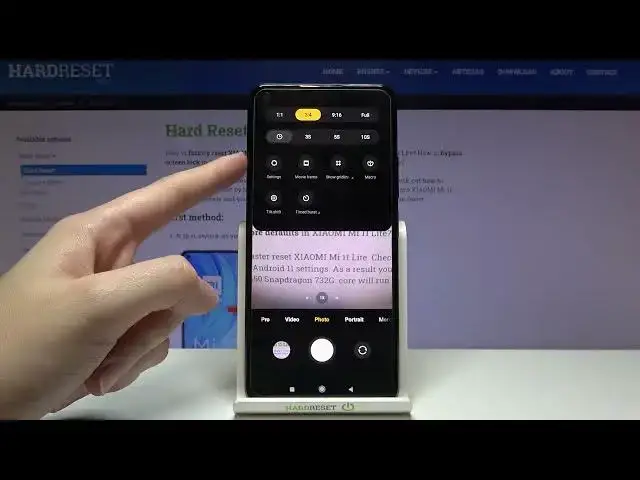

How to Enable the Burst Shot Camera Mode on the XIAOMI Mi 11 Lite - Take a Series of Photos
Mar 29, 2024

Learn more about the XIAOMI Mi 11 Lite: https://www.hardreset.info/devices/xiaomi/xiaomi-mi-11-lite/tutorials/
In this video tutorial, our camera specialist will demonstrate how you can enable the burst shot mode in the default camera app on your XIAOMI Mi 11 Lite smartphone and use it for shooting a series of photos quickly and conveniently. Thus, if you would like to learn how to put the camera on your XIAOMI Mi 11 Lite mobile device into burst shot mode, we are gladly encouraging you to view this video. Please enjoy and thanks for watching!
How to turn on the burst shot mode for the camera on the XIAOMI Mi 11 Lite? How to activate the camera burst shot mode on the XIAOMI Mi 11 Lite? How to take a series of pictures on the XIAOMI Mi 11 Lite? How to shoot a lot of photos at once with the camera of XIAOMI Mi 11 Lite?
#XIAOMIMi11Lite #BurstShot #XIAOMICamera
Follow us on Instagram ► https://www.instagram.com/hardreset.info
Like us on Facebook ►
https://www.facebook.com/hardresetinfo/
Tweet us on Twitter ► https://twitter.com/HardResetI
Support us on TikTok ► https://www.tiktok.com/@hardreset.info
Use Reset Guides for many popular Apps ► https://www.hardreset.info/apps/apps/
Show More Show Less