0:00
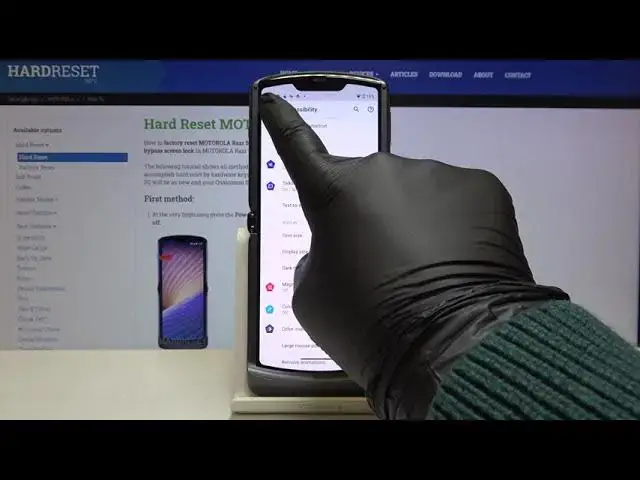
Hi everyone, here we've got Motorola RAZR 5G and let me show you how to enable TalkBack mode on this device
0:12
So first of all let's open the list of apps and enter the settings
0:16
Now we have to scroll to the accessibility, it's right here and let's tap on the TalkBack
0:22
Before turning the TalkBack on we can customize it, so let's tap on the settings
0:27
and as you can see here we've got a lot of options to personalize, for example we can set the gestures
0:32
Let's tap on it and as you can see here we can decide what we want to do after swiping up, swiping down, swiping left, it's up to you
0:40
Let's tap on it for example and as you can see here we've got a lot of options to choose from
0:44
Let me get back and we can for example decide if we want to feel the vibration feedback after tapping on something
0:52
So it's really up to you how you want to set it. I will leave it like this, so let me get back to previous menu and in order to turn on the TalkBack just tap on the switcher right here
1:03
Now your device is telling you that the TalkBack needs to have full control of your device
1:08
so it has to view and control the screen and view and perform actions. So if you are ready click on allow and as you can hear the TalkBack is on
1:19
After that your device will open the tutorial so you will be able of course to go through it and learn how to use it
1:26
Now I would like to show you the basics of using the TalkBack, so I will show you how to navigate and how to swipe, actually how to use this mode
1:35
So first of all let me show you how to get back. Of course you can do it normally, so just use two fingers to go back, just like that
1:44
Or in order to choose something, this button for example, you have to tap on it once, you'll see a green frame and then double tap
1:53
And as you can see we just got back to the settings
1:57
So now let me show you how to swipe, you have to use two fingers also and do it this way
2:03
You can do it this way of course but in my opinion the first option is much easier
2:13
So now let me show you how to turn off the TalkBack. So just go back to the accessibility, tap on it, green frame, double tap, click on the TalkBack, double tap, tap on the switcher, double tap, click on stop and double tap
2:30
And as you can hear the TalkBack is off. So that's all, this is how to enable the TalkBack in your Motorola RAZR 5G
2:39
Thank you so much for watching and if you find that this video was helpful, please hit the subscribe button and leave the thumbs up