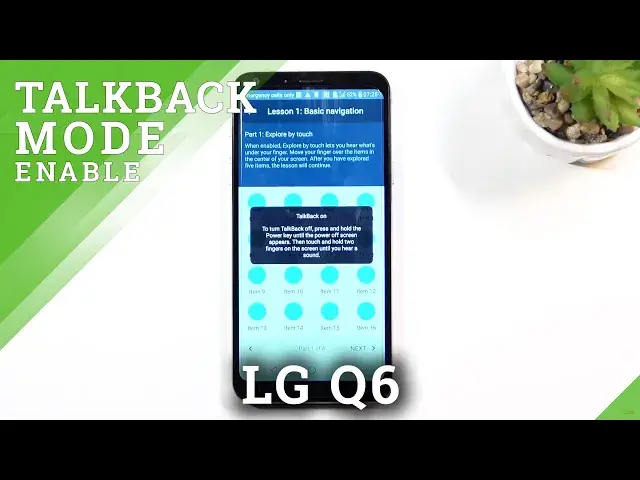

How to Enable Talkback in LG Q6 – Screen Reader Feature
Jul 9, 2024

Learn more info about LG Q6:
https://www.hardreset.info/devices/lg/lg-q6/
If you’d like to hear the feedback from your LG Q6 after tapping on anything, then let’s check our video! In this tutorial we’d like to share with you how easily you can enable the talkback mode. This feature will provide you a sound feedback after touching actually anything, volume panel, back button or any option in the menu. This feature is useful for people with blindness to help them control and use the device. So let’s follow all shown steps and successfully enable talkback mode.
How to turn on Talkback mode in LG Q6? How to use Talkback in LG Q6? How to enable Talkback in LG Q6? How to exit Talkback in LG Q6? How to quit Talkback in LG Q6?
#Talkback #ScreenReader #LGQ6
Follow us on Instagram ► https://www.instagram.com/hardreset.info
Like us on Facebook ► https://www.facebook.com/hardresetinfo/
Tweet us on Twitter ► https://twitter.com/HardResetI
Support us on TikTok ► https://www.tiktok.com/@hardreset.info
Use Reset Guides for many popular Apps ► https://www.hardreset.info/apps/apps/
Show More Show Less