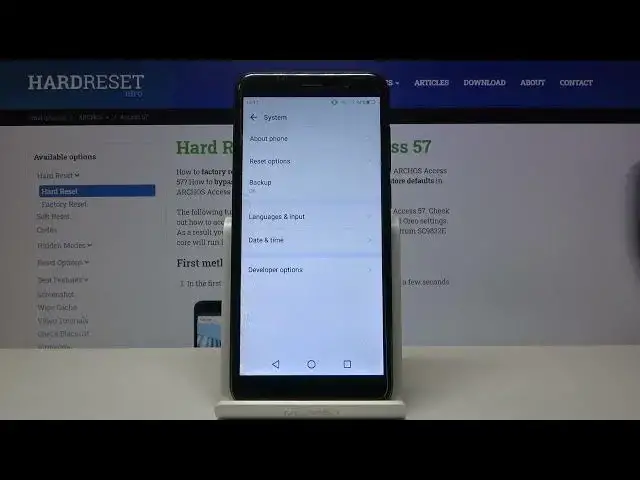

How to Enable Spell Checker in ARCHOS Access 57 – Additional Keyboard Settings
Jul 10, 2024

Learn more info about ARCHOS Access 57: https://www.hardreset.info/devices/archos/archos-access-57/
If you meet some spelling problems, then let your ARCHOS Access 57 change it! In this tutorial we’d like to share with you how to find proper settings and how to manage them in order to turn on or off the spell checker. Thanks to this you’ll be able to customize it by choosing proper language in which you’re typing and then your device will check everything you’ll type. So let’s follow all shown steps and successfully enable spell checker.
How to activate autocorrection in ARCHOS Access 57? How to use autocorrection in ARCHOS Access 57? How to turn on autocorrect in ARCHOS Access 57? How to turn autocorrect off in ARCHOS Access 57? How to switch from autocorrection to normal keyboard in ARCHOS Access 57?
#SpellChecker #Autocorrect #ARCHOSCore57
Follow us on Instagram ► https://www.instagram.com/hardreset.info
Like us on Facebook ► https://www.facebook.com/hardresetinfo/
Tweet us on Twitter ► https://twitter.com/HardResetI
Support us on TikTok ► https://www.tiktok.com/@hardreset.info
Use Reset Guides for many popular Apps ► https://www.hardreset.info/apps/apps/
Show More Show Less