0:00
Here I have Huawei P20 and let me show you how to use the battery saver, the power saving
0:09
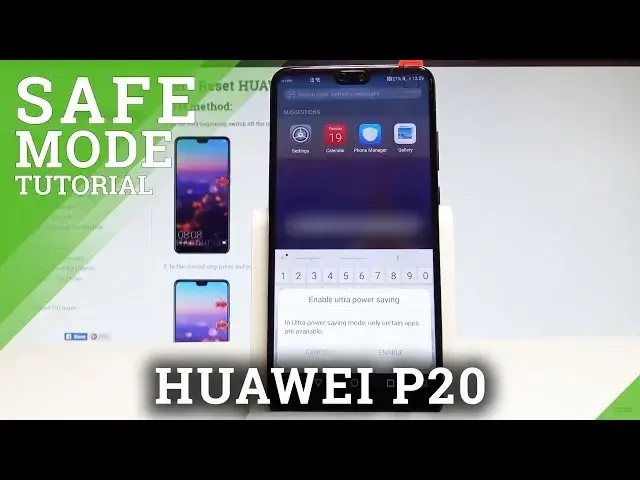
mode on the following device. So you can have really quick access to the ultra power saving mode by using the upper
0:16
bar twice, let me show you and here you can activate the ultra power saving mode
0:21
So this is like the most restrictive power saving mode. You will be able to use only certain apps
0:27
So let me show you, let's tap enable and right here you can only use the dialer, messages
0:32
and contacts. Of course you can add some other apps if you need really something
0:37
But this is the mode when your device will work in a longer time
0:44
Let me quit this mode by using this exit key, tap exit and you can also have access to the
0:51
power saving mode by using settings. Here choose the battery and here you've got also the ultra power saving mode right here
0:59
and you can also use the power saving mode, the standard one
1:02
Let me show you, let's use this switcher. This mode limits background apps activity, disables the email auto synchronization, system
1:11
sound and reduces the visual effects just to save some power. Let me tap enable and right now we are using the power saving mode
1:19
Here you've got the remaining time, as you can see it's getting bigger
1:25
If you would like to disable this mode let's use the same switcher. Here you can also check some battery usage information if you would like to
1:33
Alright so that's it, everything went well, thank you for watching, please subscribe our
1:37
channel and leave thumbs up under the video