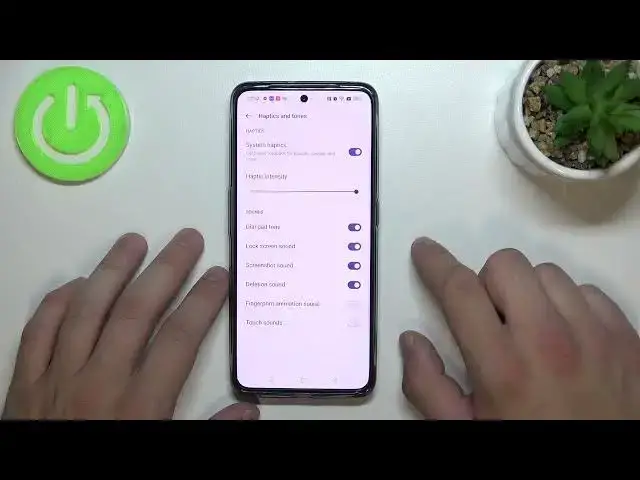

How to Enable or Disable Screen Locking Sound on Realme GT Neo 3?
Apr 2, 2024

If you are looking for more info check our website: https://www.hardreset.info/search/?q=realme+gt+neo+3&device_type=
On your Realme GT Neo 3, swipe down from the top of the screen to open the notification panel. Tap on the gear-shaped icon in the top-right corner of the screen to open the Settings app. In the Settings app, tap on the Sound & Vibration option. Scroll down and tap on the Screen Lock Sound option.
Toggle the switch next to Screen Lock Sound to enable or disable the screen locking sound on your Realme GT Neo 3.
How to Turn On Screen Locking Sound on Realme GT Neo 3? How to Switch Off Screen Locking Sound on Realme GT Neo 3? How to Block Screen Locking Sound on Realme GT Neo 3? How to Get Rid of Screen Locking Sound on Realme GT Neo 3? How to Mute Screen Locking Sound on Realme GT Neo 3?
#realmegtneo3 #gtneo3 #realmeneo3
Follow us on Instagram ► https://www.instagram.com/hardreset.info
Like us on Facebook ► https://www.facebook.com/hardresetinfo/
Tweet us on Twitter ► https://twitter.com/HardResetI
Support us on TikTok ► https://www.tiktok.com/@hardreset.info
Use Reset Guides for many popular Apps ► https://www.hardreset.info/apps/apps/
Show More Show Less