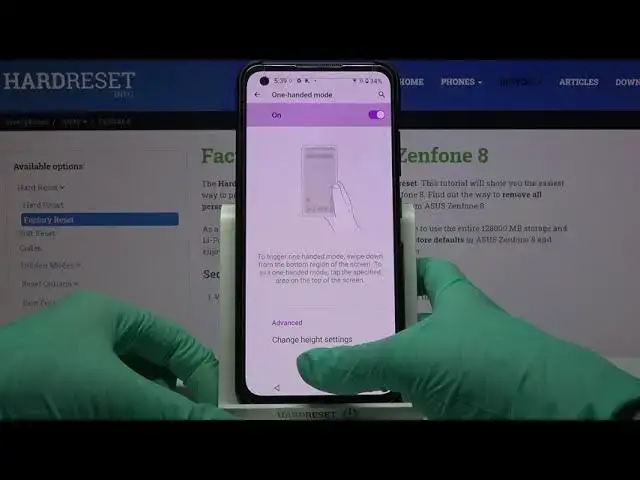

How to Enable One-Handed Mode in ASUS Zenfone 8 – Change Display Size
Apr 18, 2024

Learn more about ASUS Zenfone 8
https://www.hardreset.info/devices/asus/asus-zenfone-8/
Let's talk about how to use One-Handed Mode properly. From now on, you can easily activate this option on your ASUS Zenfone 8 device and temporarily reduce the screen size for convenience in managing. If you would like to support us, you should consider subscribing to our channel. This will help us in the future.
How to Enable One-Handed Mode in ASUS Zenfone 8? How to Allow Screen Easy Usage in ASUS Zenfone 8? How to start using ASUS Zenfone 8 by One Hand? How to allow One-Handed Mode in ASUS Zenfone 8? How Open The One-Handed Mode in ASUS Zenfone 8? How to use ASUS Zenfone 8 easier by One Hand?
#OneHandedMode #ResizeDisplay #ASUSZenfone8
Follow us on Instagram ► https://www.instagram.com/hardreset.info
Like us on Facebook ► https://www.facebook.com/hardresetinfo/
Tweet us on Twitter ► https://twitter.com/HardResetI
Support us on TikTok ► https://www.tiktok.com/@hardreset.info
Use Reset Guides for many popular Apps ► https://www.hardreset.info/apps/apps/
Show More Show Less