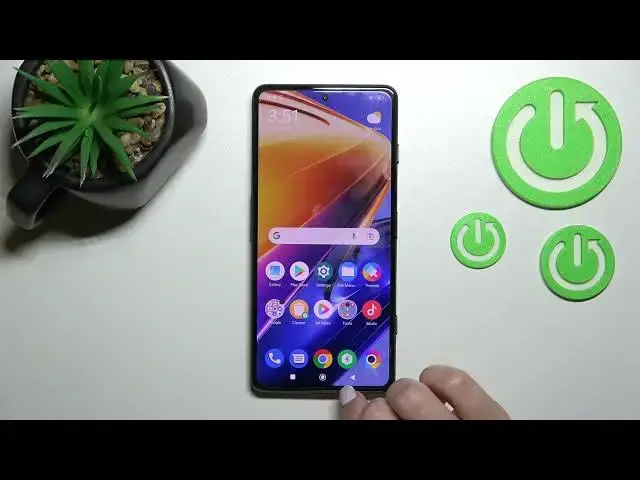

How to Enable Google Feed on XIAOMI Poco F4 GT - Disable Google Feed
Jun 30, 2024

Find out more info about XIAOMI Poco F4 GT:
https://www.hardreset.info/devices/xiaomi/xiaomi-poco-f4-gt/tutorials/
Thanks to Google Feed you can check all the most important news from all over the world, so if you want to activate that option on your XIAOMI Poco F4 GT, don't miss this tutorial. Our expert will show you how to enter home screen settings and then turn on Google Feed called also Google Discover. If you don't want this feature active, we'll also show you how to turn off Google Feed on your device. If you want to know more about the XIAOMI Poco F4 GT, visit our YouTube channel.
How to disable Google Feed on XIAOMI Poco F4 GT? How to turn off Google Feed on XIAOMI Poco F4 GT? How to switch off Google Feed on XIAOMI Poco F4 GT? How to hide Google Feed on XIAOMI Poco F4 GT? How to open Home Screen settings in XIAOMI Poco F4 GT? How to enable Google Feed on XIAOMI Poco F4 GT? How turn on Google Feed on XIAOMI Poco F4 GT?
#DisableGoogleFeed #TurnOffGoogleFeed #XIAOMIPocoF4GT
Follow us on Instagram ► https://www.instagram.com/hardreset.info
Like us on Facebook ► https://www.facebook.com/hardresetinfo/
Tweet us on Twitter ► https://twitter.com/HardResetI
Support us on TikTok ► https://www.tiktok.com/@hardreset.info
Use Reset Guides for many popular Apps ► https://www.hardreset.info/apps/apps/
Show More Show Less