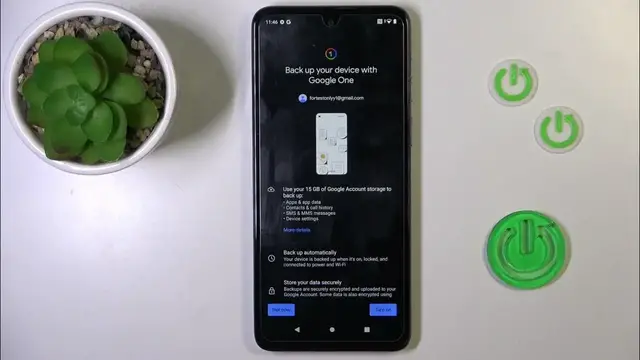

How to Enable Google Backup on MOTOROLA Moto G54?
Jan 19, 2024

Find out more info about MOTOROLA Moto G54: https://www.hardreset.info/devices/motorola/motorola-moto-g54/tutorials/
This tutorial is created for MOTOROLA Moto G54 users, with a focus on the process of enabling Google Backup on their smartphones. Google Backup is a valuable feature that allows you to safeguard your data and settings by storing them in your Google account. By the end of this tutorial, you will be well-versed in the steps required to activate Google Backup on your MOTOROLA Moto G54, ensuring your data remains secure and easily recoverable.
Where can I find the Google Backup settings on my MOTOROLA Moto G54? Why is enabling Google Backup important for smartphone users? What kind of data and settings are backed up to my Google account? Is there a prerequisite for enabling Google Backup, such as a Google account setup? How can I configure the backup frequency and which items to include?
#enablegooglebackup #googlebackup #motorolamotog54
Follow us on Instagram ► https://www.instagram.com/hardreset.info
Like us on Facebook ► https://www.facebook.com/hardresetinfo/
Tweet us on Twitter ► https://twitter.com/HardResetI
Support us on TikTok ► https://www.tiktok.com/@hardreset.info
Use Reset Guides for many popular Apps ► https://www.hardreset.info/apps/apps/
Show More Show Less