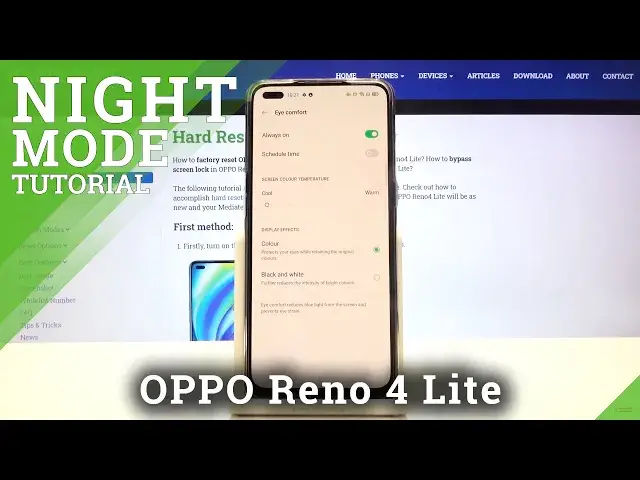

How to Enable Eye Comfort Mode in OPPO Reno 4 Lite – Find Blue Light Filter
Jul 17, 2024

Learn more info about OPPO Reno 4 Lite: https://www.hardreset.info/devices/oppo/oppo-reno4-lite/
Do you feel that your eyes are tired while using your OPPO Reno 4 Lite? In this video we’d like to show you how easily you can find proper screen settings and how to enter the blue light filter. Thanks to this the screen will turn yellowish in order to let your eyes rest. You’ll be able to find to customize the intensity of that feature or schedule it. So follow all shown steps and successfully enable the eye comfort mode.
How to enable Night Mode in OPPO Reno 4 Lite? How to activate Night Mode in OPPO Reno 4 Lite? How to use Night Mode in OPPO Reno 4 Lite? How to turn on Night Mode in OPPO Reno 4 Lite? How to activate eye comfort mode in OPPO Reno 4 Lite?
Follow us on Instagram ► https://www.instagram.com/hardreset.info
Like us on Facebook ► https://www.facebook.com/hardresetinfo/
Tweet us on Twitter ► https://twitter.com/HardResetI
Show More Show Less