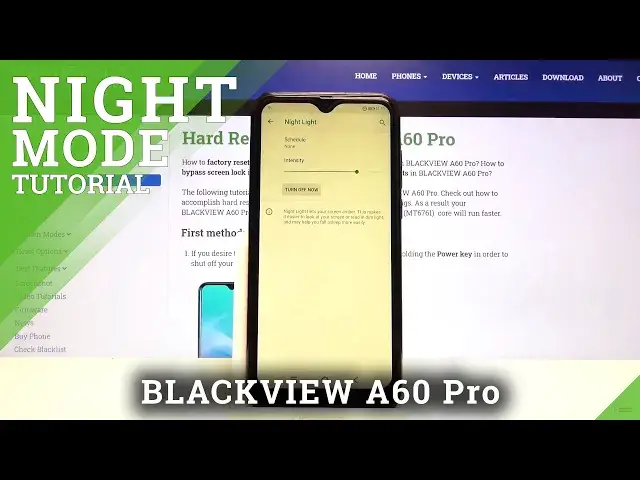

How to Enable Eye Comfort in BLACKVIEW A60 Pro – Activate Night Mode
Jul 17, 2024

Learn more info about BLACKVIEW A60 Pro:
https://www.hardreset.info/devices/blackview/blackview-a60-pro/
If you experience eye strain after using BLACKVIEW A60 Pro for a long time, you should consider turning on Eye Protection Mode. Check if this mode will make your eyesight not tired while looking at the screen of your smartphone for a long time. Watch the attached tutorial, follow our instructions and enable and adjust the eye protection mode on your device.
How to Turn On Night Mode in BLACKVIEW A60 Pro? How to Turn Off Night Mode in BLACKVIEW A60 Pro? How to Activate Nigh Mode in BLACKVIEW A60 Pro? How to Use Night Mode in BLACKVIEW A60 Pro? How to Use Eye Comfort Mode in BLACKVIEW A60 Pro? How to Enable Eye Comfort Mode in BLACKVIEW A60 Pro? How to Use Eye Protection Mode in BLACKVIEW A60 Pro? How to Enable Eye Protection Mode in BLACKVIEW A60 Pro? How to Turn On Eye Saver Mode in BLACKVIEW A60 Pro? How to Activate Eye Protection Mode in BLACKVIEW A60 Pro?
Follow us on Instagram ► https://www.instagram.com/hardreset.info
Like us on Facebook ► https://www.facebook.com/hardresetinfo/
Tweet us on Twitter ► https://twitter.com/HardResetI
Show More Show Less