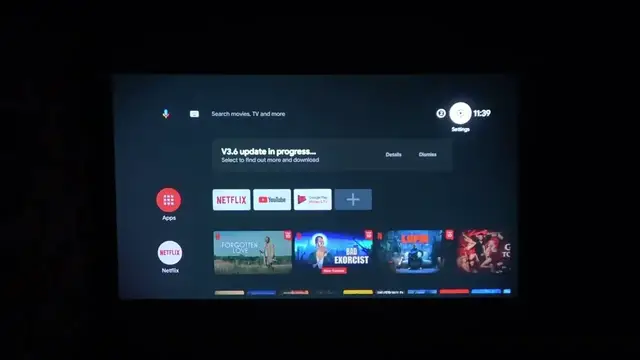

How To Enable & Disable Wi-Fi On Epson Smart TV Projector
Jan 18, 2024

Find out more : https://www.hardreset.info/
Stay connected and enjoy seamless streaming by mastering the art of enabling and disabling Wi-Fi on your Epson Smart TV Projector. This step-by-step guide provides clear instructions on navigating the settings to effortlessly manage your projector's Wi-Fi connection. Whether you're streaming your favorite shows or sharing content from your devices, taking control of Wi-Fi settings ensures a smooth and reliable experience. Explore the freedom of wireless connectivity with this comprehensive tutorial tailored for your Epson Smart TV Projector.
How to enable Wi-Fi on the Epson Smart TV Projector?
Are there different Wi-Fi networks available, and how can I switch between them?
Can I connect the projector to a hidden Wi-Fi network, and how?
What to do if the Wi-Fi connection is unstable or not working?
How to disable Wi-Fi to conserve power when not in use?
Is there a limit to the number of devices I can connect to the projector via Wi-Fi?
Can I set up a password for my Wi-Fi connection on the projector?
#Epson #Smartv #projector
Follow us on Instagram ► https://www.instagram.com/hardreset.info
Like us on Facebook ► https://www.facebook.com/hardresetinfo/
Tweet us on Twitter ► https://twitter.com/HardResetI
Support us on TikTok ► https://www.tiktok.com/@hardreset.info
Use Reset Guides for many popular Apps ► https://www.hardreset.info/apps/apps/
Show More Show Less