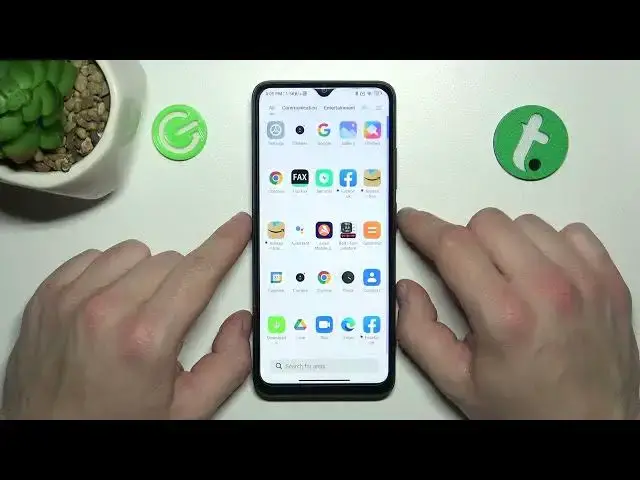

How to Enable & Disable Touch Sounds on Xiaomi Redmi A1+ / Sound Settings on Redmi A1 Plus
Jul 28, 2024

You can find more tutorials for your Xiaomi Redmi A1 Plus smartphone on our website:
https://www.hardreset.info/devices/xiaomi/xiaomi-redmi-a1-plus/tutorials/
Greetings everyone! Do you ever feel like the touch sounds on your Xiaomi Redmi A1+ are a bit distracting or unnecessary? If so, you'll be happy to know that disabling them is a quick and simple process. In this tutorial video, we will show you how to enable or disable touch sounds on your Xiaomi Redmi A1+ device. We will walk you through the necessary steps to access the sound settings and show you how to turn off the touch sound feature. If you find this tutorial useful, please hit the like button, leave a comment, and subscribe to our channel for more helpful tips and tricks. Thank you for watching, and we hope to see you in our next video!
How to Activate Touch Sounds on Xiaomi Redmi A1+?
How to Switch Off Touch Sounds on Xiaomi Redmi A1+?
How to Block Touch Sounds on Xiaomi Redmi A1+?
#xiaomiredmia1plus #redmia1plus #xiaomi #redmi #touchsounds
Follow us on Instagram ► https://www.instagram.com/hardreset.info
Like us on Facebook ► https://www.facebook.com/hardresetinfo/
Tweet us on Twitter ► https://twitter.com/HardResetI
Support us on TikTok ► https://www.tiktok.com/@hardreset.info
Use Reset Guides for many popular Apps ► https://www.hardreset.info/apps/apps/
Show More Show Less