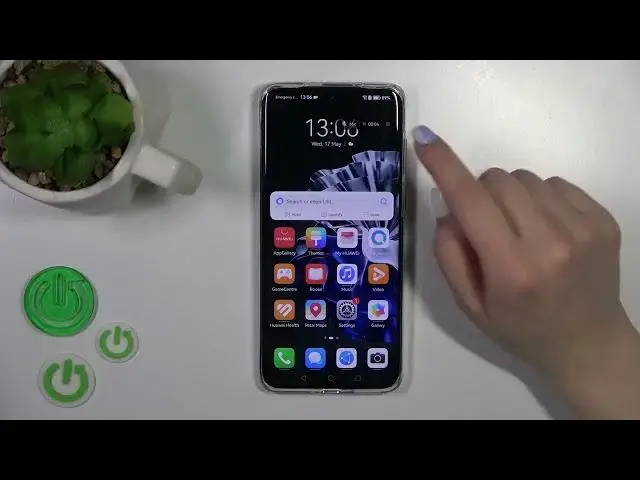

How To Enable & Disable Touch Marks For Screen Recording In HUAWEI P60 PRO
Aug 1, 2024

Check more info about Huawei P60 Pro : https://www.hardreset.info/devices/huawei/huawei-p60-pro/tutorials/
In this tutorial video, we will show you how to enable and disable touch marks for screen recording on your HUAWEI P60 Pro. Touch marks are visual indicators that appear on the screen during a screen recording, highlighting the areas where you touch or interact with the device.
How to enable touch marks for screen recording on HUAWEI P60 Pro?
Can I highlight my touch interactions during screen recording on HUAWEI P60 Pro?
What are touch marks in screen recording on HUAWEI P60 Pro?
How to disable touch marks for screen recording on HUAWEI P60 Pro?
#HuaweiP60Pro #screenrecorder #touchmarkers
Follow us on Instagram ► https://www.instagram.com/hardreset.info
Like us on Facebook ► https://www.facebook.com/hardresetinfo/
Tweet us on Twitter ► https://twitter.com/HardResetI
Support us on TikTok ► https://www.tiktok.com/@hardreset.info
Use Reset Guides for many popular Apps ► https://www.hardreset.info/apps/apps/
Show More Show Less